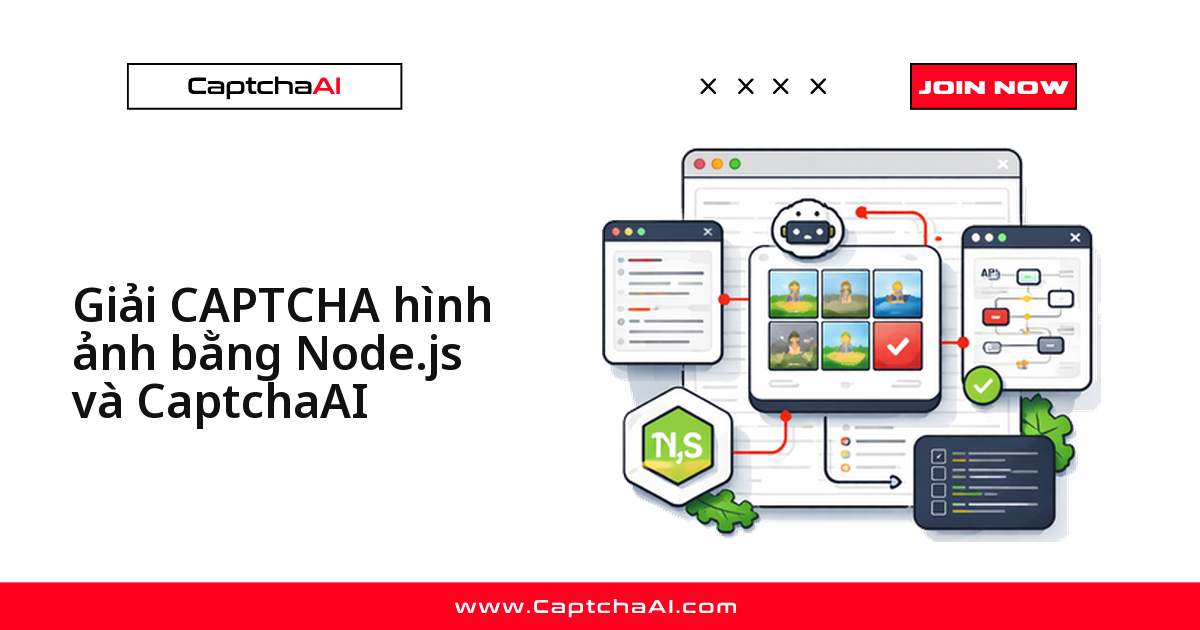
Với CAPTCHA hình ảnh, script Node.js của bạn chỉ cần làm ba việc: cắt ảnh CAPTCHA ra khỏi trang, đẩy ảnh đó lên endpoint OCR của CaptchaAI, rồi lấy chuỗi text trả về và điền vào form. Không có sitekey, không có token, không có iframe - khác hẳn quy trình của reCAPTCHA v2 hay Turnstile.
Loại CAPTCHA này vẫn sống rất khỏe ở Việt Nam: các cổng dịch vụ công, hệ thống tra cứu của cơ quan nhà nước, form đăng ký của những sàn nội địa đời đầu vẫn dùng ảnh chữ méo 4–6 ký tự. Đội QA và đội thu thập dữ liệu web (scraping) ở TP.HCM hay Hà Nội gặp nó nhiều hơn hẳn so với các loại CAPTCHA JavaScript hiện đại. Bài này đưa đủ code axios chạy được ngay cho cả hai cách gửi ảnh, phần polling, các tham số siết độ chính xác và một ví dụ Puppeteer hoàn chỉnh.
Cần chuẩn bị những gì
| Mục | Giá trị |
|---|---|
| API key CaptchaAI | Lấy tại captchaai.com |
| Node.js | 14+ |
| Thư viện | axios, fs |
| Định dạng ảnh | JPG, PNG hoặc GIF (100 byte – 100 KB) |
Ảnh nằm ngoài khoảng 100 byte – 100 KB sẽ bị từ chối ngay ở bước gửi, nên hãy screenshot đúng phần tử CAPTCHA thay vì chụp cả trang.
Bước 1: gửi ảnh CAPTCHA lên in.php
Có hai cách gửi ảnh, chọn cách nào phụ thuộc vào việc bạn đang giữ ảnh trong bộ nhớ hay trên đĩa.
Cách 1: chuỗi base64
const axios = require('axios');
const fs = require('fs');

const API_KEY = 'YOUR_API_KEY';
const sleep = (ms) => new Promise((r) => setTimeout(r, ms));

// Read and encode the image
const imageB64 = fs.readFileSync('captcha.png').toString('base64');

// Submit to CaptchaAI
const { data: submitData } = await axios.post('https://ocr.captchaai.com/in.php', null, {
  params: {
    key: API_KEY,
    method: 'base64',
    body: imageB64,
    json: 1,
  },
});

if (submitData.status !== 1) throw new Error(submitData.request);
const taskId = submitData.request;
console.log(`Task submitted: ${taskId}`);
Nếu status khác 1, trường request chính là mã lỗi - đọc bảng lỗi ở cuối bài. Khi thành công, request là ID task dùng cho bước polling.
Cách 2: upload trực tiếp file
Khi ảnh đã được ghi ra đĩa (ví dụ screenshot từ Puppeteer), gửi thẳng file bằng form-data sẽ gọn hơn và tránh phồng payload thêm khoảng 33% do base64.
const FormData = require('form-data');

const form = new FormData();
form.append('key', API_KEY);
form.append('method', 'post');
form.append('json', '1');
form.append('file', fs.createReadStream('captcha.png'));

const { data: submitData } = await axios.post('https://ocr.captchaai.com/in.php', form, {
  headers: form.getHeaders(),
});

const taskId = submitData.request;
Bước 2: polling res.php để lấy text
Polling nghĩa là chủ động hỏi kết quả định kỳ. CAPTCHA hình ảnh thuộc nhóm nhanh nhất trong danh mục CaptchaAI, thời gian giải ở mức <0,5 giây theo số liệu đo nội bộ, nhưng vẫn nên chờ khoảng 5 giây trước lần hỏi đầu tiên rồi lặp lại mỗi 5 giây, thay vì hỏi liên tục và tự đẩy mình vào giới hạn tần suất request (rate limit).
await sleep(5000);

let captchaText;
for (let i = 0; i < 30; i++) {
  const { data: pollData } = await axios.get('https://ocr.captchaai.com/res.php', {
    params: { key: API_KEY, action: 'get', id: taskId, json: 1 },
  });

  if (pollData.status === 1) {
    captchaText = pollData.request;
    console.log(`CAPTCHA text: ${captchaText}`);
    break;
  }
  if (pollData.request !== 'CAPCHA_NOT_READY') {
    throw new Error(pollData.request);
  }
  await sleep(5000);
}
Vòng lặp trên dừng khi status === 1. Bất kỳ giá trị request nào khác CAPCHA_NOT_READY đều là lỗi thật và phải ném ra ngay, đừng nuốt lỗi rồi chờ hết 30 vòng.
Bước 3: siết độ chính xác bằng tham số
Đây là phần hay bị bỏ qua nhất. Nếu bạn biết trước CAPTCHA chỉ gồm chữ số và dài 4–6 ký tự, hãy nói cho API biết - kết quả sai kiểu "chữ O đọc thành số 0" giảm đi rõ rệt.
// Digits only, 4-6 characters
const { data } = await axios.post('https://ocr.captchaai.com/in.php', null, {
  params: {
    key: API_KEY,
    method: 'base64',
    body: imageB64,
    numeric: 1,      // digits only
    min_len: 4,       // minimum length
    max_len: 6,       // maximum length
    json: 1,
  },
});
| Tham số | Giá trị | Tác dụng |
|---|---|---|
numeric |
1 = chỉ chữ số, 2 = chỉ chữ cái |
Giới hạn tập ký tự |
min_len / max_len |
số nguyên | Khóa độ dài chuỗi |
calc |
1 |
Trả về kết quả phép tính trong ảnh |
regsense |
1 |
Phân biệt chữ hoa - chữ thường |
Một mẹo thực tế: mở 20–30 ảnh CAPTCHA của trang bạn đang tự động hóa, thống kê độ dài và tập ký tự, rồi cố định min_len/max_len theo đó. Với các form cũ của cơ quan nhà nước, tập ký tự thường rất hẹp và chỉ vài tham số này đã đủ nâng tỷ lệ giải thành công.
Ví dụ hoàn chỉnh: Puppeteer chụp ảnh, CaptchaAI đọc, script điền form
Script dưới đây ghép đủ bốn bước: mở trang, screenshot đúng phần tử #captcha-image, gửi base64, polling, rồi gõ kết quả vào ô nhập và submit.
const axios = require('axios');
const puppeteer = require('puppeteer');
const fs = require('fs');

const API_KEY = 'YOUR_API_KEY';
const sleep = (ms) => new Promise((r) => setTimeout(r, ms));

async function solveImageCaptcha() {
  // 1. Load page and screenshot CAPTCHA
  const browser = await puppeteer.launch();
  const page = await browser.newPage();
  await page.goto('https://example.com/register');

  const captchaEl = await page.$('#captcha-image');
  await captchaEl.screenshot({ path: 'captcha.png' });

  // 2. Encode and submit
  const imageB64 = fs.readFileSync('captcha.png').toString('base64');
  const { data: submit } = await axios.post('https://ocr.captchaai.com/in.php', null, {
    params: { key: API_KEY, method: 'base64', body: imageB64, json: 1 },
  });
  const taskId = submit.request;

  // 3. Poll for text
  await sleep(5000);
  let text;
  for (let i = 0; i < 30; i++) {
    const { data: poll } = await axios.get('https://ocr.captchaai.com/res.php', {
      params: { key: API_KEY, action: 'get', id: taskId, json: 1 },
    });
    if (poll.status === 1) { text = poll.request; break; }
    if (poll.request !== 'CAPCHA_NOT_READY') throw new Error(poll.request);
    await sleep(5000);
  }

  // 4. Type and submit
  await page.type('#captcha-input', text);
  await page.click('form [type="submit"]');
  console.log(`Solved: ${text}`);
  await browser.close();
}

solveImageCaptcha().catch(console.error);
Kết quả in ra console:
Solved: ABC123
Giải CAPTCHA hình ảnh ở quy mô lớn tốn bao nhiêu
CaptchaAI tính tiền theo thread (luồng giải đồng thời), không tính theo từng lần giải, nên chi phí phụ thuộc vào mức độ song song chứ không phải tổng số CAPTCHA trong tháng.
- Script crawl đơn lẻ hoặc bộ test QA chạy tuần tự: BASIC ($15/tháng, 5 thread).
- Vài worker song song cho một dự án outsourcing: STANDARD ($30/tháng, 15 thread).
- Pipeline theo dõi giá sản phẩm trên nhiều nguồn: ADVANCE ($90/tháng, 50 thread).
Giá niêm yết bằng USD, thanh toán qua thẻ quốc tế, không có bảng giá VND riêng.
Lỗi thường gặp khi giải CAPTCHA hình ảnh
| Lỗi | Nguyên nhân | Cách xử lý |
|---|---|---|
ERROR_WRONG_FILE_EXTENSION |
Định dạng không được hỗ trợ | Chuyển sang JPG, PNG hoặc GIF |
ERROR_TOO_BIG_CAPTCHA_FILESIZE |
Ảnh > 100 KB | Nén hoặc crop sát phần tử CAPTCHA |
ERROR_ZERO_CAPTCHA_FILESIZE |
Ảnh < 100 byte | Kiểm tra lại selector và file screenshot |
CAPCHA_NOT_READY |
Task chưa giải xong | Chưa phải lỗi - polling lại sau 5 giây |
Ngoài ra, nếu screenshot ra file trắng thì gần như chắc chắn phần tử CAPTCHA chưa render xong tại thời điểm chụp; thêm một waitForSelector trước khi gọi screenshot().
Câu hỏi thường gặp
Khi nào nên dùng ảnh base64, khi nào nên upload file?
Dùng base64 khi ảnh đã nằm sẵn trong bộ nhớ (buffer từ page.screenshot() hoặc từ một response HTTP). Dùng upload file khi ảnh đã ghi ra đĩa. Thời gian giải như nhau, chỉ khác ở kích thước payload.
Đọc CAPTCHA hình ảnh có cần nhiều thread không?
Không nhiều. Một thread xử lý một task tại một thời điểm, nên script crawl chạy tuần tự chỉ dùng hết một thread. Chỉ khi bạn chạy nhiều worker song song thì mới cần lên gói nhiều thread hơn, ví dụ STANDARD ($30/tháng, 15 thread).
Kết quả trả về sai thì làm gì?
Gọi https://ocr.captchaai.com/res.php?key=KEY&action=reportbad&id=TASK_ID với ID của task đó để báo kết quả sai.
Cách này có dùng được cho reCAPTCHA hay Turnstile không?
Không. Endpoint OCR chỉ xử lý CAPTCHA dạng ảnh và text. reCAPTCHA v2/v3, Cloudflare Turnstile và GeeTest v3 có luồng riêng dựa trên sitekey và token. Lưu ý CaptchaAI hiện chưa hỗ trợ hCaptcha, FunCaptcha và GeeTest v4.
Nên chờ bao lâu trước khi coi như task thất bại?
Vòng lặp 30 lần cách nhau 5 giây (tối đa khoảng 150 giây) là ngưỡng an toàn cho CAPTCHA hình ảnh. Nếu chạm ngưỡng, hãy hủy task và chụp lại ảnh mới thay vì tiếp tục polling ID cũ.