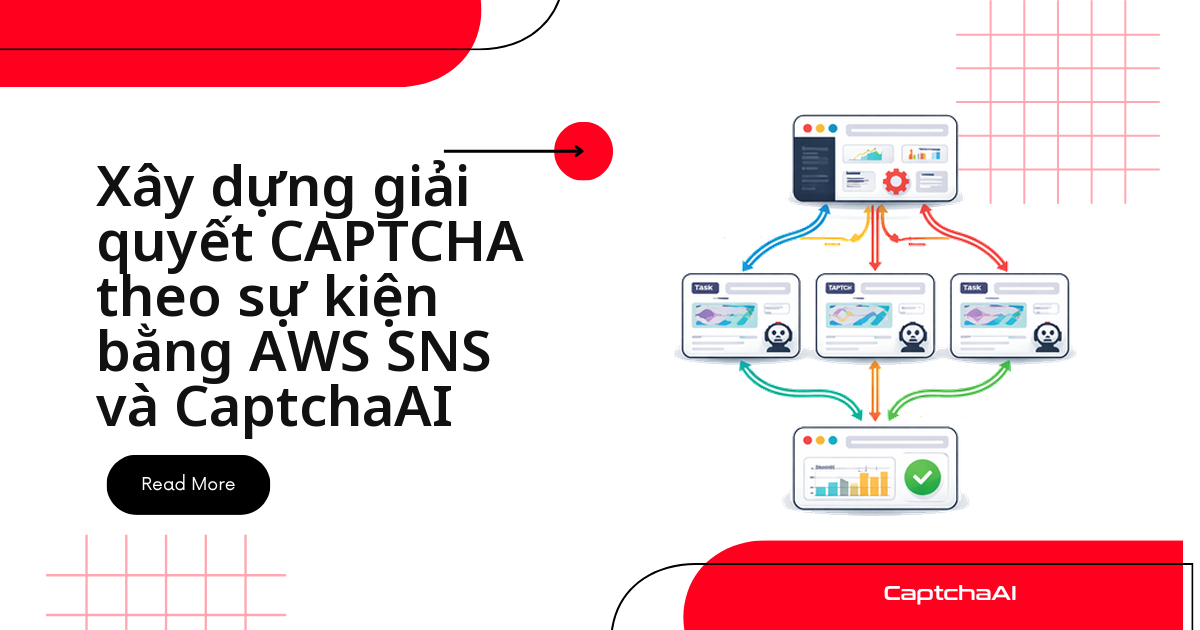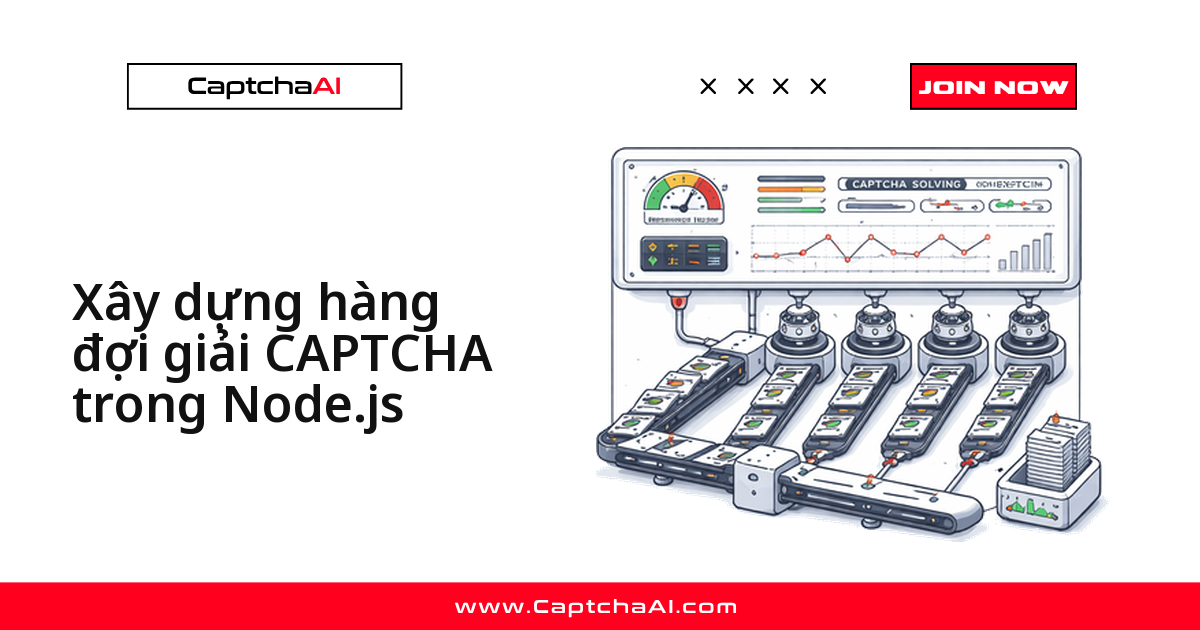
Callback báo bạn khi có kết quả, còn polling thì tự đi hỏi — nhưng cả hai đều chỉ cho bạn biết điểm cuối, không cho biết CAPTCHA đang ở trạng thái nào giữa lúc gửi và lúc có kết quả. Event bus giải quyết đúng vấn đề đó: nó phát ra từng trạng thái trong vòng đời — submitted, pending, solved, failed, timeout — để mọi phần của ứng dụng (logger, dashboard metrics, retry handler) tự lắng nghe mà không cần biết logic giải CAPTCHA hoạt động ra sao.
Bài này dựng một CaptchaBus chạy trên EventEmitter có sẵn của Node.js, kèm bản Python tương đương, rồi mở rộng thêm retry tự động và một wrapper trả về Promise.
Đây là bài toán quen thuộc với các đội automation/QA outsource ở Việt Nam: một agency ở TP.HCM chạy hàng chục worker Node.js song song theo dõi giá trên Shopee, Tiki, Lazada, mỗi worker tự giải CAPTCHA qua CaptchaAI. Không có event bus, muốn biết job nào đang treo ở polling hay job nào vừa fail phải grep log thủ công; gắn bus vào, dashboard chỉ cần subscribe pending/failed/timeout là thấy toàn cảnh theo thời gian thực — và khi số worker tăng, đổi từ BASIC ($15/tháng, 5 thread) sang ADVANCE ($90/tháng, 50 thread) là đủ thread mà không phải sửa lại phần logging này.
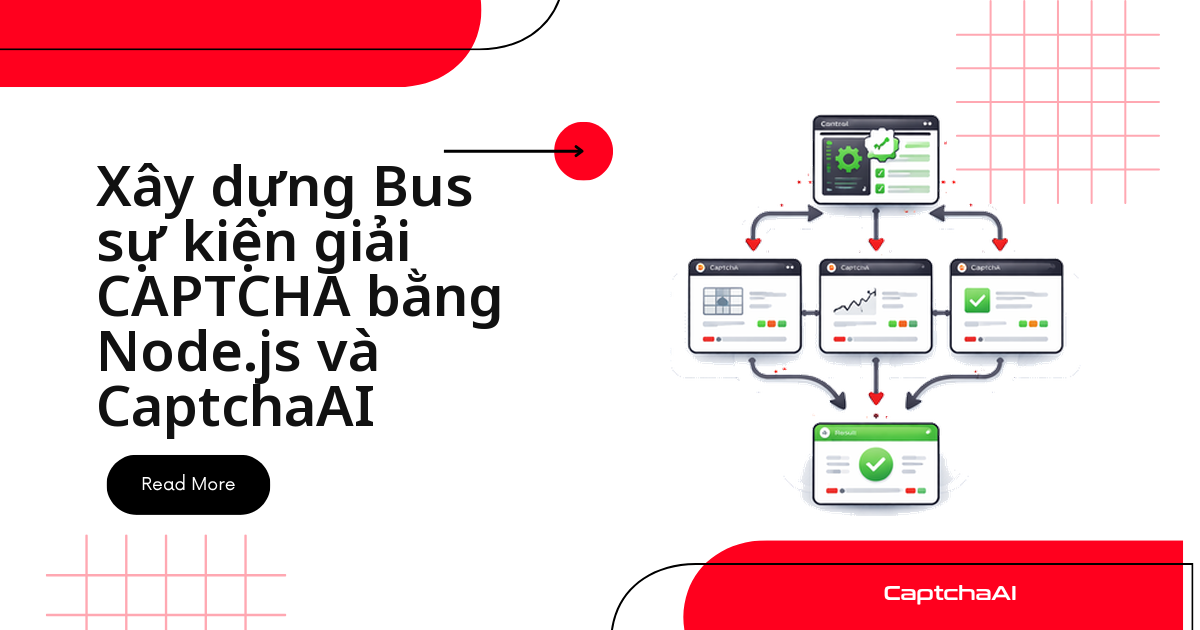
Kiến trúc event bus: 5 trạng thái vòng đời CAPTCHA
Năm trạng thái đi đúng theo vòng đời của một task, từ lúc gửi đến lúc có kết quả cuối cùng:
submitted— task vừa gửi thành công tớiin.php, đã cótaskId.pending— đang trong vòng lặp pollingres.php, chưa có kết quả.solved— CaptchaAI trả token,durationđã tính xong.failed— lỗi API hoặc lỗi HTTP khi gửi/polling, xemerrorđể biết nguyên nhân.timeout— vượt quámaxWaitmà vẫn chưa có kết quả, dừng polling.
[CaptchaBus]
   ├── emit("submitted", { taskId, type, pageurl })
   ├── emit("pending", { taskId, elapsed })
   ├── emit("solved", { taskId, solution, duration })
   ├── emit("failed", { taskId, error, duration })
   └── emit("timeout", { taskId, elapsed })
        ↓          ↓           ↓
   [Logger]    [Metrics]   [Retry Handler]
Mỗi listener đăng ký độc lập với các listener khác. Thêm một tính năng mới — ví dụ gom metrics — chỉ là thêm một bus.on(...), không đụng vào code gửi và giải CAPTCHA.
Cài đặt class CaptchaBus bằng JavaScript
CaptchaBus kế thừa EventEmitter, gọi in.php để nộp CAPTCHA rồi tự polling res.php cho đến khi có kết quả hoặc hết maxWait:
submit() và _poll(): luồng gửi task và tự polling nội bộ
submit() chỉ gửi task; vòng lặp polling nằm trong _poll().
const EventEmitter = require("events");
const axios = require("axios");

class CaptchaBus extends EventEmitter {
  constructor(apiKey, options = {}) {
    super();
    this.apiKey = apiKey;
    this.pollInterval = options.pollInterval || 5000;
    this.maxWait = options.maxWait || 300000; // 5 minutes
    this.pending = new Map();
  }

  async submit(params) {
    const { method, sitekey, pageurl, ...extra } = params;
    const taskId = `task_${Date.now()}_${Math.random().toString(36).slice(2, 8)}`;

    const submitParams = {
      key: this.apiKey,
      method: method || "userrecaptcha",
      googlekey: sitekey,
      pageurl: pageurl,
      json: 1,
      ...extra,
    };

    try {
      const resp = await axios.post(
        "https://ocr.captchaai.com/in.php",
        null,
        { params: submitParams }
      );

      if (resp.data.status !== 1) {
        this.emit("failed", {
          taskId,
          error: resp.data.request,
          duration: 0,
        });
        return null;
      }

      const captchaId = resp.data.request;
      const startTime = Date.now();

      this.emit("submitted", {
        taskId,
        captchaId,
        method: method || "userrecaptcha",
        pageurl,
      });

      // Start polling
      this._poll(taskId, captchaId, startTime);
      return taskId;
    } catch (err) {
      this.emit("failed", { taskId, error: err.message, duration: 0 });
      return null;
    }
  }

  async _poll(taskId, captchaId, startTime) {
    const check = async () => {
      const elapsed = Date.now() - startTime;

      if (elapsed > this.maxWait) {
        this.emit("timeout", { taskId, elapsed });
        return;
      }

      this.emit("pending", { taskId, elapsed });

      try {
        const resp = await axios.get("https://ocr.captchaai.com/res.php", {
          params: {
            key: this.apiKey,
            action: "get",
            id: captchaId,
            json: 1,
          },
        });

        if (resp.data.status === 1) {
          this.emit("solved", {
            taskId,
            captchaId,
            solution: resp.data.request,
            duration: Date.now() - startTime,
          });
        } else if (resp.data.request === "CAPCHA_NOT_READY") {
          setTimeout(check, this.pollInterval);
        } else {
          this.emit("failed", {
            taskId,
            error: resp.data.request,
            duration: Date.now() - startTime,
          });
        }
      } catch (err) {
        this.emit("failed", {
          taskId,
          error: err.message,
          duration: Date.now() - startTime,
        });
      }
    };

    setTimeout(check, this.pollInterval);
  }
}

module.exports = CaptchaBus;
Đăng ký listener: logging và đo metrics
Gắn một listener ghi log và một listener đếm số liệu — cả hai lắng nghe cùng một bus mà không biết đến sự tồn tại của nhau:
Hai listener độc lập trên cùng một bus
Listener ghi log và listener đếm metrics bên dưới không gọi nhau — cả hai chỉ đăng ký bus.on(...) độc lập.
const CaptchaBus = require("./captcha-bus");

const bus = new CaptchaBus(process.env.CAPTCHAAI_API_KEY, {
  pollInterval: 5000,
  maxWait: 120000,
});

// Logging listener
bus.on("submitted", (e) => {
  console.log(`[SUBMIT] ${e.taskId} → ${e.method} on ${e.pageurl}`);
});

bus.on("pending", (e) => {
  console.log(`[PENDING] ${e.taskId} — ${(e.elapsed / 1000).toFixed(1)}s`);
});

bus.on("solved", (e) => {
  console.log(
    `[SOLVED] ${e.taskId} in ${(e.duration / 1000).toFixed(1)}s — ${e.solution.substring(0, 30)}...`
  );
});

bus.on("failed", (e) => {
  console.error(`[FAILED] ${e.taskId} — ${e.error}`);
});

bus.on("timeout", (e) => {
  console.error(
    `[TIMEOUT] ${e.taskId} after ${(e.elapsed / 1000).toFixed(1)}s`
  );
});

// Metrics listener
const metrics = { submitted: 0, solved: 0, failed: 0, totalDuration: 0 };

bus.on("submitted", () => metrics.submitted++);
bus.on("solved", (e) => {
  metrics.solved++;
  metrics.totalDuration += e.duration;
});
bus.on("failed", () => metrics.failed++);

// Submit a CAPTCHA
bus.submit({
  sitekey: "6Le-wvkSAAAAAPBMRTvw0Q4Muexq9bi0DJwx_mJ-",
  pageurl: "https://example.com",
});
Viết CaptchaBus bằng Python
Cùng một kiến trúc, chuyển sang Python cho các pipeline chạy bằng requests + threading thay vì Node.js. API on/emit giữ nguyên để hai bản dễ đối chiếu:
Vì sao Python cần tự cài on/emit thủ công
Python không có EventEmitter sẵn, nên bản Python tự quản lý dict listener và gọi lần lượt trong emit() — không cần thư viện ngoài.
import os
import time
import threading
from collections import defaultdict
import requests

class CaptchaBus:
    def __init__(self, api_key, poll_interval=5, max_wait=300):
        self.api_key = api_key
        self.poll_interval = poll_interval
        self.max_wait = max_wait
        self._listeners = defaultdict(list)

    def on(self, event, callback):
        """Register a listener for an event."""
        self._listeners[event].append(callback)
        return self

    def emit(self, event, data):
        """Emit an event to all registered listeners."""
        for callback in self._listeners.get(event, []):
            try:
                callback(data)
            except Exception as e:
                print(f"Listener error on {event}: {e}")

    def submit(self, sitekey, pageurl, method="userrecaptcha", **extra):
        """Submit a CAPTCHA and begin tracking."""
        task_id = f"task_{int(time.time())}_{id(sitekey) % 10000}"

        resp = requests.post("https://ocr.captchaai.com/in.php", data={
            "key": self.api_key,
            "method": method,
            "googlekey": sitekey,
            "pageurl": pageurl,
            "json": 1,
            **extra
        })
        data = resp.json()

        if data.get("status") != 1:
            self.emit("failed", {
                "task_id": task_id,
                "error": data.get("request"),
                "duration": 0
            })
            return None

        captcha_id = data["request"]
        start_time = time.time()

        self.emit("submitted", {
            "task_id": task_id,
            "captcha_id": captcha_id,
            "method": method,
            "pageurl": pageurl
        })

        # Poll in a background thread
        thread = threading.Thread(
            target=self._poll,
            args=(task_id, captcha_id, start_time),
            daemon=True
        )
        thread.start()
        return task_id

    def _poll(self, task_id, captcha_id, start_time):
        while True:
            elapsed = time.time() - start_time

            if elapsed > self.max_wait:
                self.emit("timeout", {"task_id": task_id, "elapsed": elapsed})
                return

            time.sleep(self.poll_interval)
            self.emit("pending", {"task_id": task_id, "elapsed": elapsed})

            resp = requests.get("https://ocr.captchaai.com/res.php", params={
                "key": self.api_key,
                "action": "get",
                "id": captcha_id,
                "json": 1
            })
            data = resp.json()

            if data.get("status") == 1:
                self.emit("solved", {
                    "task_id": task_id,
                    "solution": data["request"],
                    "duration": time.time() - start_time
                })
                return
            elif data.get("request") != "CAPCHA_NOT_READY":
                self.emit("failed", {
                    "task_id": task_id,
                    "error": data.get("request"),
                    "duration": time.time() - start_time
                })
                return

# Usage
bus = CaptchaBus(os.environ["CAPTCHAAI_API_KEY"])

bus.on("submitted", lambda e: print(f"[SUBMIT] {e['task_id']}"))
bus.on("solved", lambda e: print(f"[SOLVED] {e['task_id']} in {e['duration']:.1f}s"))
bus.on("failed", lambda e: print(f"[FAILED] {e['task_id']} — {e['error']}"))
bus.on("timeout", lambda e: print(f"[TIMEOUT] {e['task_id']}"))

bus.submit("6Le-wvkSAAAAAPBMRTvw0Q4Muexq9bi0DJwx_mJ-", "https://example.com")
Nâng cao: retry tự động qua listener failed
Vì retry chỉ là một listener khác trên event failed, bạn thêm cơ chế thử lại mà không sửa hàm submit() gốc:
Giới hạn số lần retry và giữ ngữ cảnh gốc
Đếm retryCount trong payload failed để biết khi nào dừng, và truyền lại originalParams để không mất sitekey/pageurl gốc.
// Automatic retry on failure
bus.on("failed", async (e) => {
  if (e.retryCount >= 3) {
    console.error(`[GIVE UP] ${e.taskId} after 3 retries`);
    return;
  }

  console.log(`[RETRY] ${e.taskId} — attempt ${(e.retryCount || 0) + 1}`);
  await bus.submit({
    ...e.originalParams,
    _retryCount: (e.retryCount || 0) + 1,
  });
});
Nâng cao: bọc event bus trong Promise
Nếu phần còn lại của code đang dùng async/await, bọc bus sự kiện trong một Promise để gọi như một hàm giải CAPTCHA bình thường:
cleanup(): tránh rò rỉ listener sau mỗi lần solve
Mỗi lần gọi solveCaptcha() gắn thêm 3 listener tạm; không gỡ bằng removeListener() trong cleanup() thì bus sẽ tích luỹ listener và sớm muộn kích hoạt MaxListenersExceededWarning.
function solveCaptcha(bus, params) {
  return new Promise((resolve, reject) => {
    const taskId = bus.submit(params);

    function onSolved(e) {
      if (e.taskId === taskId) {
        cleanup();
        resolve(e.solution);
      }
    }

    function onFailed(e) {
      if (e.taskId === taskId) {
        cleanup();
        reject(new Error(e.error));
      }
    }

    function cleanup() {
      bus.removeListener("solved", onSolved);
      bus.removeListener("failed", onFailed);
      bus.removeListener("timeout", onFailed);
    }

    bus.on("solved", onSolved);
    bus.on("failed", onFailed);
    bus.on("timeout", onFailed);
  });
}

// Usage
const solution = await solveCaptcha(bus, {
  sitekey: "6Le-wvkSAAAAAPBMRTvw0Q4Muexq9bi0DJwx_mJ-",
  pageurl: "https://example.com",
});
Lưu ý: luôn gỡ listener trong cleanup() ở cả hai nhánh resolve/reject.
Các lỗi thường gặp khi dùng event bus
| Vấn đề | Nguyên nhân | Cách xử lý |
|---|---|---|
| Listener không được gọi | Tên event không khớp (ví dụ nhầm "solve" với "solved") |
Kiểm tra chính xác tên event dùng trong emit()/on() |
Cảnh báo rò rỉ bộ nhớ (MaxListenersExceededWarning) |
Gắn quá nhiều listener vào cùng một event | Gọi setMaxListeners() hoặc gỡ bằng removeListener() sau khi dùng xong |
Console ngập sự kiện pending |
pollInterval đặt quá ngắn |
Tăng pollInterval lên từ 5000 ms trở lên |
| Mất dấu vết khi retry | Retry sinh taskId mới, không nối lại được state của lần gửi trước |
Truyền lại params gốc để giữ ngữ cảnh khi retry |
Câu hỏi thường gặp
Bus sự kiện có thay thế được callback/webhook của CaptchaAI không?
Không thay thế — bổ sung. Callback/webhook là cách CaptchaAI báo kết quả về server của bạn; event bus là cách ứng dụng phân phối trạng thái đó (và các trạng thái trung gian như pending) cho nhiều phần nội bộ mà không cần nối dây trực tiếp giữa chúng.
Event bus này dùng được cho những loại CAPTCHA nào?
Dùng cho mọi loại CaptchaAI hỗ trợ, chỉ cần đổi method khi gọi submit() — userrecaptcha cho reCAPTCHA v2/v3, turnstile cho Cloudflare Turnstile, geetest cho GeeTest v3. CaptchaFox, Friendly Captcha, Lemin (bản beta) cũng qua cùng một bus, chỉ khác method.
Có nên ghi log sự kiện ra file để phục hồi khi ứng dụng crash giữa chừng?
Có, nếu cần khôi phục job đang chạy dở sau khi process chết — _poll() chạy trong bộ nhớ nên khi restart, các taskId đang polling sẽ mất nếu không lưu trạng thái ngoài process.
Làm sao kiểm thử bus sự kiện mà không tốn thread hay gọi CaptchaAI thật?
Mock lời gọi HTTP tới in.php/res.php. Bus chỉ là một EventEmitter, nên trong test bạn gọi thẳng bus.emit("solved", {...}) để kiểm tra listener phản ứng đúng, không cần chạm API thật.
Chạy nhiều worker song song thì dùng chung một CaptchaBus hay tạo instance riêng?
Tạo instance riêng cho mỗi worker — mỗi instance tự quản lý Map task của chính nó, tránh listener của worker này xử lý nhầm sự kiện của worker khác. Các instance vẫn dùng chung một API key và chung giới hạn thread của gói CaptchaAI.
Bài viết liên quan
- Xây dựng pipeline CAPTCHA phía client với CaptchaAI
- Benchmark thời gian giải CAPTCHA của CaptchaAI
- Xây dựng automation có trách nhiệm với CaptchaAI
Bắt đầu ngay
Dựng pipeline CAPTCHA theo hướng sự kiện — lấy API key CaptchaAI và gắn event bus vào luồng giải của bạn.
Hướng dẫn liên quan:
- Hướng dẫn callback URL và webhook
- Thông báo real-time bằng SSE
- Các pattern xử lý lỗi callback