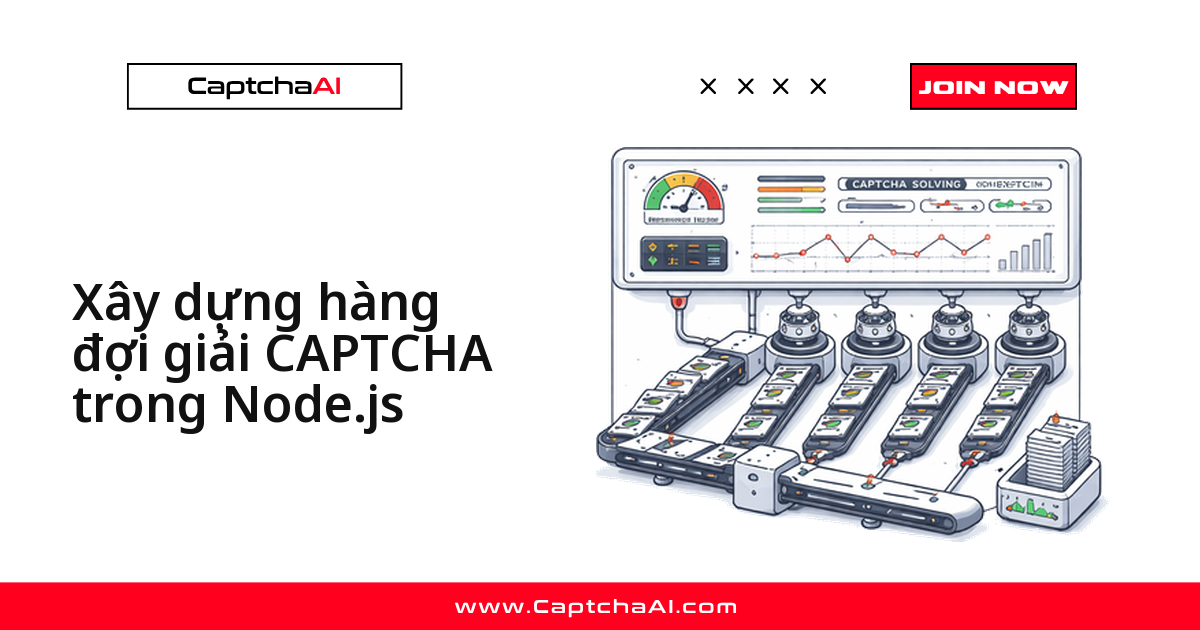
Cách xử lý hàng trăm CAPTCHA cùng lúc trong Node.js không phải là chạy for-loop tuần tự rồi await từng cái, mà là giới hạn số thread chạy song song và để I/O bất đồng bộ của Node.js làm việc nặng trong lúc chờ CaptchaAI phản hồi. Bài này đi từ Promise.allSettled đơn giản đến các mẫu hàng đợi cấp production bên dưới.
Chọn đúng mẫu hàng đợi cho tình huống của bạn
- Giải một lô cố định (10–50 task) →
Promise.allSettled - Kiểm soát tải đúng theo gói CaptchaAI đang trả →
ConcurrencyQueue - Cần theo dõi tiến độ real-time trong dashboard nội bộ → mẫu
EventEmitter - Có luồng nghiệp vụ quan trọng (checkout, đăng nhập) chạy song song với task nền → hàng đợi ưu tiên
- Không được mất task khi CaptchaAI lỗi tạm thời → retry với dead-letter
Gộp nhiều CAPTCHA trong một lô: Promise.allSettled
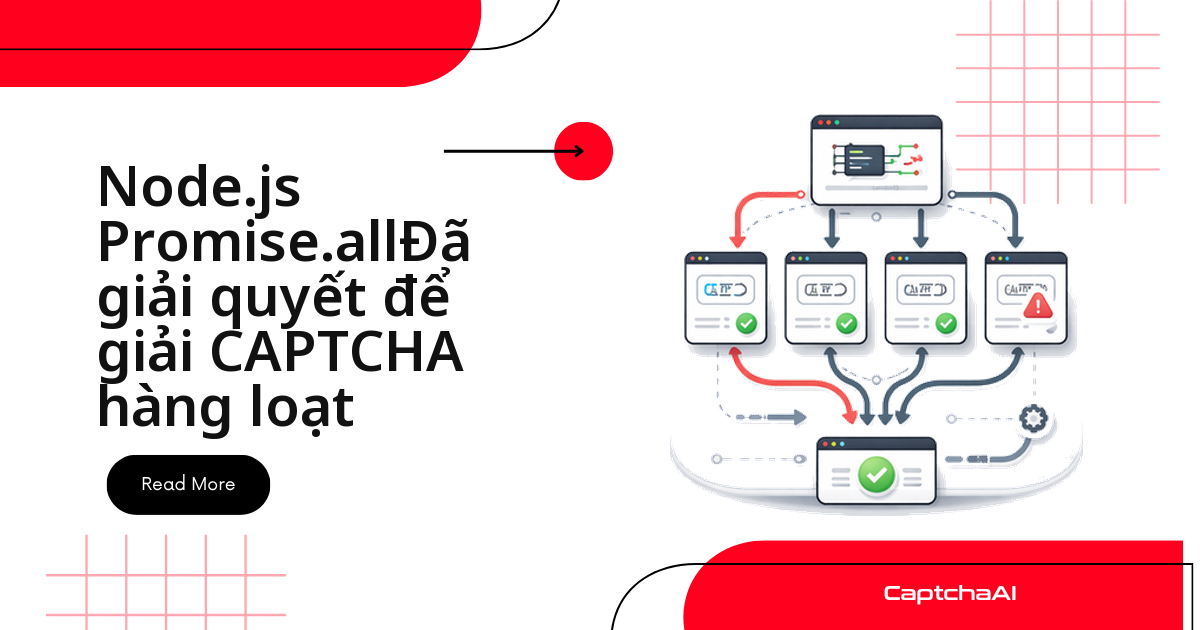
Nếu chỉ cần giải một lô CAPTCHA cố định — ví dụ 10 hay 50 task — chưa cần hàng đợi phức tạp. Promise.allSettled gửi tất cả cùng lúc và trả về kết quả từng task dù có cái thất bại, không dừng cả lô như Promise.all.
const API_KEY = "YOUR_API_KEY";

function sleep(ms) {
  return new Promise((r) => setTimeout(r, ms));
}

async function solveSingle(method, params) {
  const submitResp = await fetch("https://ocr.captchaai.com/in.php", {
    method: "POST",
    body: new URLSearchParams({ key: API_KEY, method, json: "1", ...params }),
  });
  const submitData = await submitResp.json();
  if (submitData.status !== 1) throw new Error(submitData.request);
  const taskId = submitData.request;

  for (let i = 0; i < 30; i++) {
    await sleep(5000);
    const pollResp = await fetch(
      `https://ocr.captchaai.com/res.php?${new URLSearchParams({
        key: API_KEY,
        action: "get",
        id: taskId,
        json: "1",
      })}`
    );
    const data = await pollResp.json();
    if (data.status === 1) return data.request;
    if (data.request === "ERROR_CAPTCHA_UNSOLVABLE") throw new Error("Unsolvable");
  }
  throw new Error("Timed out");
}

// Solve all at once
async function solveBatch(tasks) {
  const results = await Promise.allSettled(
    tasks.map((task) => solveSingle(task.method, task.params))
  );

  return results.map((result, i) => ({
    taskId: tasks[i].id,
    status: result.status,
    value: result.status === "fulfilled" ? result.value : null,
    error: result.status === "rejected" ? result.reason.message : null,
  }));
}

// Usage
const tasks = Array.from({ length: 10 }, (_, i) => ({
  id: i,
  method: "userrecaptcha",
  params: { googlekey: `KEY_${i}`, pageurl: `https://example.com/${i}` },
}));

const results = await solveBatch(tasks);
console.log(`Solved: ${results.filter((r) => r.status === "fulfilled").length}/10`);
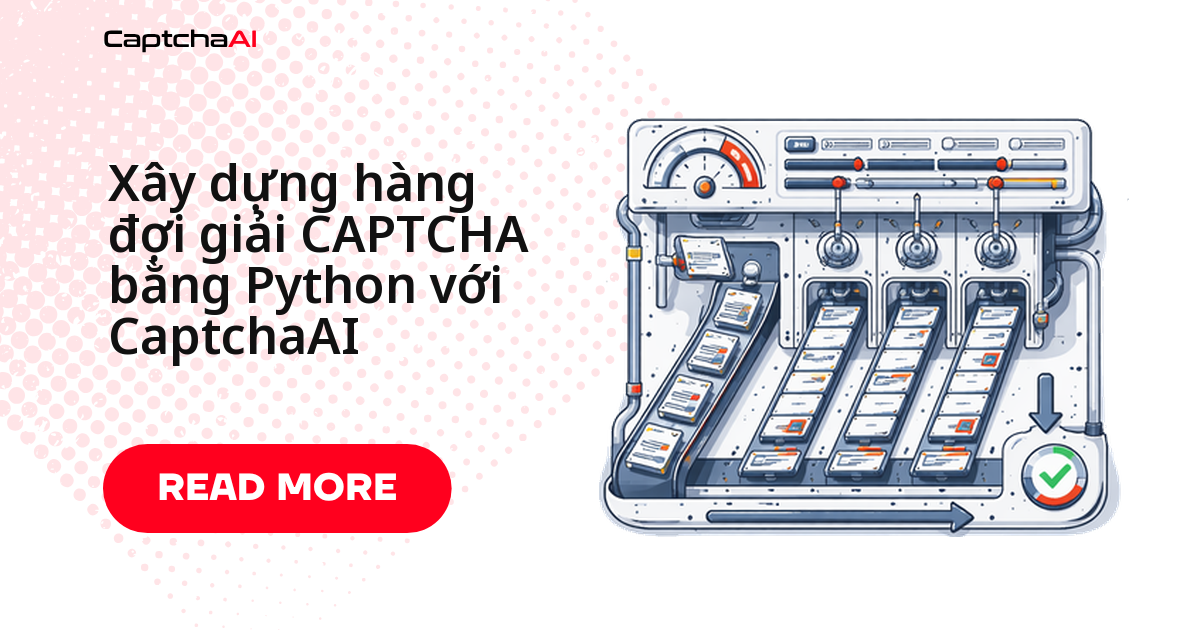
Giới hạn concurrency: kiểm soát số thread chạy song song
Gửi hàng trăm task cùng lúc sẽ đụng rate limit gần như ngay lập tức — số thread bạn trả tiền mới là giới hạn thực sự. ConcurrencyQueue dưới đây tự động giữ đúng số task đang chạy, phần còn lại xếp hàng chờ đến lượt.
- BASIC ($15/tháng, 5 thread) → đặt
maxConcurrentkhoảng 5 - STANDARD ($30/tháng, 15 thread) hoặc ADVANCE ($90/tháng, 50 thread) → phù hợp khi crawl giá trên nhiều sàn thương mại điện tử cùng lúc
class ConcurrencyQueue {
  constructor(maxConcurrent = 5) {
    this.maxConcurrent = maxConcurrent;
    this.running = 0;
    this.queue = [];
    this.results = [];
  }

  add(fn) {
    return new Promise((resolve, reject) => {
      this.queue.push({ fn, resolve, reject });
      this.#process();
    });
  }

  async #process() {
    if (this.running >= this.maxConcurrent || this.queue.length === 0) return;

    this.running++;
    const { fn, resolve, reject } = this.queue.shift();

    try {
      const result = await fn();
      resolve(result);
    } catch (error) {
      reject(error);
    } finally {
      this.running--;
      this.#process();
    }
  }

  async addBatch(fns) {
    return Promise.allSettled(fns.map((fn) => this.add(fn)));
  }
}

// Usage
const queue = new ConcurrencyQueue(5);

const tasks = Array.from({ length: 20 }, (_, i) => () =>
  solveSingle("userrecaptcha", {
    googlekey: `KEY_${i}`,
    pageurl: `https://example.com/${i}`,
  })
);

const results = await queue.addBatch(tasks);
const solved = results.filter((r) => r.status === "fulfilled");
console.log(`Solved: ${solved.length}/${results.length}`);
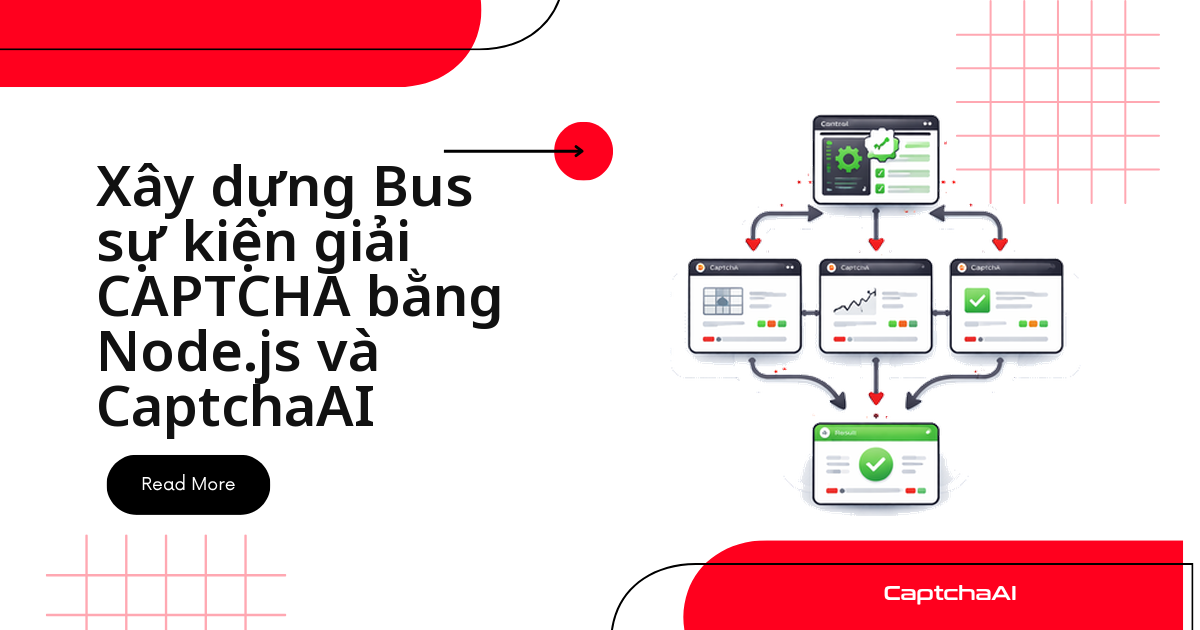
Theo dõi tiến độ real-time bằng EventEmitter
Khi hàng đợi chạy nền — ví dụ trong một cron job giải vé BLS hoặc script theo dõi giá — bạn cần biết tiến độ mà không phải chờ toàn bộ lô chạy xong. CaptchaQueue kế thừa EventEmitter của Node.js, phát các sự kiện submitted, solved, failed, complete để log hoặc đẩy vào dashboard nội bộ.
const { EventEmitter } = require("events");

class CaptchaQueue extends EventEmitter {
  #apiKey;
  #maxConcurrent;
  #pending;
  #active;

  constructor(apiKey, maxConcurrent = 5) {
    super();
    this.#apiKey = apiKey;
    this.#maxConcurrent = maxConcurrent;
    this.#pending = [];
    this.#active = 0;
    this.stats = { submitted: 0, solved: 0, failed: 0 };
  }

  submit(id, method, params) {
    this.#pending.push({ id, method, params });
    this.stats.submitted++;
    this.emit("submitted", { id, total: this.stats.submitted });
    this.#drain();
  }

  async #drain() {
    while (this.#active < this.#maxConcurrent && this.#pending.length > 0) {
      const task = this.#pending.shift();
      this.#active++;
      this.#solve(task).finally(() => {
        this.#active--;
        this.#drain();
        if (this.#active === 0 && this.#pending.length === 0) {
          this.emit("complete", this.stats);
        }
      });
    }
  }

  async #solve(task) {
    try {
      const token = await solveSingle(task.method, task.params);
      this.stats.solved++;
      this.emit("solved", { id: task.id, token, stats: { ...this.stats } });
    } catch (error) {
      this.stats.failed++;
      this.emit("failed", { id: task.id, error: error.message, stats: { ...this.stats } });
    }
  }
}

// Usage
const queue = new CaptchaQueue("YOUR_API_KEY", 5);

queue.on("submitted", ({ id, total }) => {
  console.log(`Submitted #${id} (total: ${total})`);
});

queue.on("solved", ({ id, stats }) => {
  console.log(`Solved #${id} — ${stats.solved}/${stats.submitted}`);
});

queue.on("failed", ({ id, error }) => {
  console.log(`Failed #${id}: ${error}`);
});

queue.on("complete", (stats) => {
  const rate = ((stats.solved / stats.submitted) * 100).toFixed(1);
  console.log(`Done: ${stats.solved}/${stats.submitted} (${rate}%)`);
});

// Submit tasks
for (let i = 0; i < 15; i++) {
  queue.submit(i, "userrecaptcha", {
    googlekey: `KEY_${i}`,
    pageurl: `https://example.com/${i}`,
  });
}
Ưu tiên task quan trọng: hàng đợi có priority
Không phải task nào cũng quan trọng như nhau. Một request giải Turnstile ở bước checkout thật cần chạy trước hàng loạt task reCAPTCHA phục vụ thu thập dữ liệu chạy nền.
- Priority 1 (số nhỏ nhất) → luồng nghiệp vụ thật, ví dụ checkout
- Priority 5 trở lên → task nền, ví dụ scraping sản phẩm
class PriorityQueue {
  #items = [];

  enqueue(item, priority) {
    this.#items.push({ item, priority });
    this.#items.sort((a, b) => a.priority - b.priority);
  }

  dequeue() {
    return this.#items.shift()?.item;
  }

  get length() {
    return this.#items.length;
  }
}

class PriorityCaptchaQueue {
  #apiKey;
  #maxConcurrent;
  #queue;
  #active;
  #results;

  constructor(apiKey, maxConcurrent = 5) {
    this.#apiKey = apiKey;
    this.#maxConcurrent = maxConcurrent;
    this.#queue = new PriorityQueue();
    this.#active = 0;
    this.#results = new Map();
  }

  submit(id, method, params, priority = 5) {
    return new Promise((resolve, reject) => {
      this.#queue.enqueue({ id, method, params, resolve, reject }, priority);
      this.#drain();
    });
  }

  async #drain() {
    while (this.#active < this.#maxConcurrent && this.#queue.length > 0) {
      const task = this.#queue.dequeue();
      this.#active++;

      solveSingle(task.method, task.params)
        .then((token) => {
          this.#results.set(task.id, { status: "solved", token });
          task.resolve(token);
        })
        .catch((err) => {
          this.#results.set(task.id, { status: "error", error: err.message });
          task.reject(err);
        })
        .finally(() => {
          this.#active--;
          this.#drain();
        });
    }
  }
}

// Usage: high-priority checkout, low-priority scraping
const pq = new PriorityCaptchaQueue("YOUR_API_KEY", 3);

// Priority 1 (highest) — checkout
const checkoutToken = pq.submit(
  "checkout_1",
  "turnstile",
  { sitekey: "KEY", pageurl: "https://shop.com/checkout" },
  1
);

// Priority 5 (normal) — product scraping
for (let i = 0; i < 5; i++) {
  pq.submit(
    `product_${i}`,
    "userrecaptcha",
    { googlekey: "KEY", pageurl: `https://shop.com/p/${i}` },
    5
  );
}
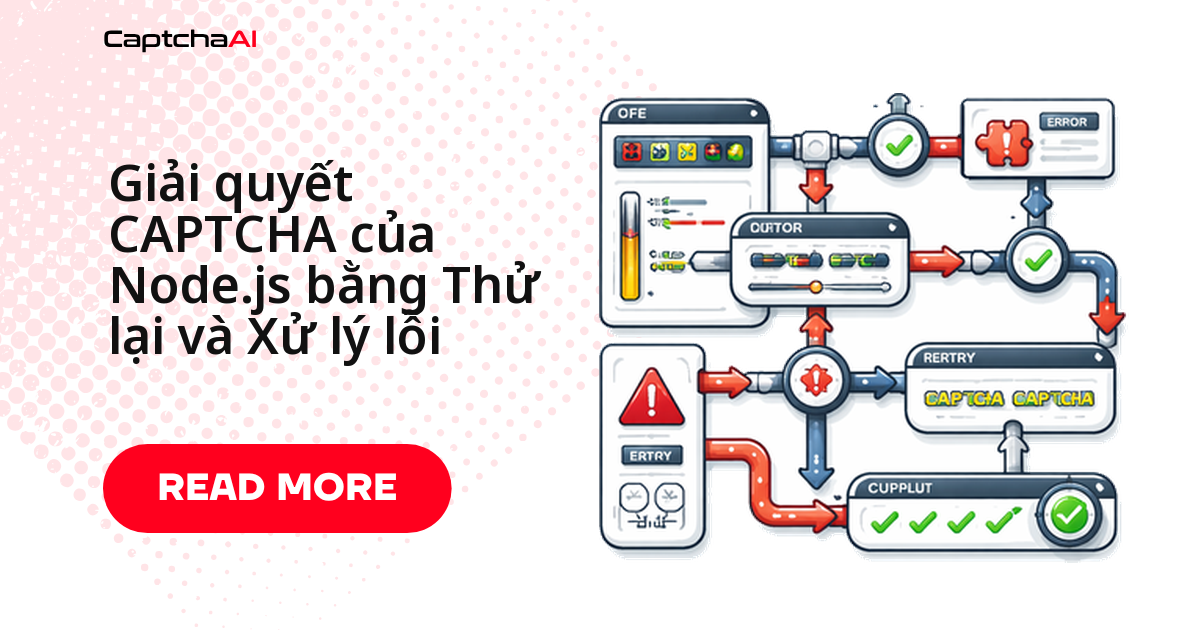
Tự động thử lại và dead-letter queue
CAPTCHA thất bại vì timeout mạng hay lỗi tạm thời không nên làm hỏng cả lô. RetryQueue thử lại từng task tối đa maxRetries lần trước khi đẩy vào dead-letter để kiểm tra thủ công thay vì mất dữ liệu.
class RetryQueue {
  #apiKey;
  #maxRetries;
  #results;
  #deadLetter;

  constructor(apiKey, maxRetries = 3) {
    this.#apiKey = apiKey;
    this.#maxRetries = maxRetries;
    this.#results = [];
    this.#deadLetter = [];
  }

  async processBatch(tasks, maxConcurrent = 5) {
    const queue = tasks.map((t) => ({ ...t, attempts: 0 }));

    while (queue.length > 0) {
      const batch = queue.splice(0, maxConcurrent);
      const results = await Promise.allSettled(
        batch.map((task) => this.#solveWithRetry(task))
      );

      for (let i = 0; i < results.length; i++) {
        const result = results[i];
        const task = batch[i];

        if (result.status === "fulfilled") {
          this.#results.push({ id: task.id, token: result.value });
        } else {
          task.attempts++;
          if (task.attempts < this.#maxRetries) {
            queue.push(task); // Retry
            console.log(`Retry ${task.attempts}/${this.#maxRetries}: ${task.id}`);
          } else {
            this.#deadLetter.push({
              id: task.id,
              error: result.reason.message,
              attempts: task.attempts,
            });
          }
        }
      }
    }

    return {
      solved: this.#results,
      failed: this.#deadLetter,
    };
  }

  async #solveWithRetry(task) {
    return solveSingle(task.method, task.params);
  }
}
Giám sát hàng đợi: throughput và tỷ lệ giải thành công
Trước khi scale lên production, bạn cần số liệu thực tế thay vì phỏng đoán. QueueMonitor theo dõi task đã gửi, đang giải, đã xong, thất bại — rồi tính thời gian giải trung bình, throughput và tỷ lệ giải thành công.
- Throughput thấp bất thường → kiểm tra
maxConcurrentvà rate limit - Tỷ lệ giải thành công giảm → xem lại tham số gửi tới
in.php
class QueueMonitor {
  #startTime;
  #solveTimes;

  constructor() {
    this.#startTime = Date.now();
    this.#solveTimes = [];
    this.counts = { submitted: 0, solving: 0, solved: 0, failed: 0 };
  }

  recordSubmit() {
    this.counts.submitted++;
    this.counts.solving++;
  }

  recordSolved(solveTime) {
    this.counts.solving--;
    this.counts.solved++;
    this.#solveTimes.push(solveTime);
  }

  recordFailed() {
    this.counts.solving--;
    this.counts.failed++;
  }

  report() {
    const elapsed = (Date.now() - this.#startTime) / 1000;
    const avgTime =
      this.#solveTimes.length > 0
        ? this.#solveTimes.reduce((a, b) => a + b, 0) / this.#solveTimes.length
        : 0;
    const throughput = this.counts.solved / (elapsed / 60);
    const successRate =
      this.counts.solved + this.counts.failed > 0
        ? (this.counts.solved / (this.counts.solved + this.counts.failed)) * 100
        : 0;

    return {
      elapsed: `${elapsed.toFixed(0)}s`,
      submitted: this.counts.submitted,
      solving: this.counts.solving,
      solved: this.counts.solved,
      failed: this.counts.failed,
      avgSolveTime: `${(avgTime / 1000).toFixed(1)}s`,
      throughput: `${throughput.toFixed(1)}/min`,
      successRate: `${successRate.toFixed(1)}%`,
    };
  }
}
Ví dụ thực tế: theo dõi giá trên nhiều sàn TMĐT
Một team QA outsourcing ở TP.HCM cần polling giá sản phẩm trên Shopee và Lazada mỗi giờ, xử lý vài trăm CAPTCHA mỗi lần chạy. Ghép các mẫu ở trên lại theo trình tự sau:
- Đặt
maxConcurrentbằng đúng số thread của gói CaptchaAI đang dùng. - Gửi task qua
ConcurrencyQueuehoặcCaptchaQueue, đổipageurltheo từng sàn. - Ưu tiên task của các trang giá trị cao (sản phẩm bán chạy) bằng hàng đợi ưu tiên.
- Bọc mỗi lần gửi bằng
RetryQueueđể không mất dữ liệu khi CaptchaAI lỗi tạm thời. - Gọi
QueueMonitor.report()sau mỗi lần chạy để theo dõi throughput theo thời gian.
Các lỗi thường gặp khi vận hành hàng đợi
Dưới đây là những sự cố phổ biến nhất khi chạy hàng đợi giải CAPTCHA trong production và cách xử lý nhanh.
| Triệu chứng | Nguyên nhân | Cách xử lý |
|---|---|---|
| Toàn bộ promise bị reject cùng lúc | Đã chạm rate limit của API | Giảm maxConcurrent |
| Bộ nhớ tăng dần theo thời gian | Kết quả tích lũy trong mảng | Xử lý và xóa kết quả định kỳ |
| Hàng đợi rỗng nhưng vẫn còn task chưa xử lý | Thiếu lệnh gọi drain() sau khi task hoàn tất |
Kiểm tra logic gọi drain() trong khối finally |
ERROR_NO_SLOT_AVAILABLE |
Quá nhiều request đồng thời tới API | Thêm delay giữa các lần gửi task |
| Dead-letter queue đầy lên | Lỗi lặp lại liên tục | Kiểm tra loại lỗi cụ thể — có thể cần sửa tham số request |
Câu hỏi thường gặp
Nên đặt maxConcurrent bao nhiêu cho hàng đợi Node.js?
Bắt đầu ở mức bằng đúng số thread trong gói CaptchaAI của bạn — ví dụ 5 với BASIC, 15 với STANDARD — rồi tăng dần nếu chưa gặp ERROR_NO_SLOT_AVAILABLE. Đặt cao hơn số thread bạn trả tiền không giúp giải nhanh hơn, chỉ tạo thêm task bị reject.
Giải 10.000 CAPTCHA/ngày bằng hàng đợi Node.js tốn bao nhiêu?
CaptchaAI tính phí theo thread, không theo từng lần giải — chi phí phụ thuộc vào số thread chạy song song, không phải tổng số CAPTCHA trong tháng. Hàm report() của QueueMonitor ở trên cho throughput thực tế để bạn chọn gói phù hợp.
Khi nào nên dùng BullMQ thay vì tự viết hàng đợi?
Các mẫu ở trên đủ cho một process Node.js chạy độc lập. Chuyển sang bullmq khi cần hàng đợi bền vững qua Redis, nhiều worker trên nhiều server, hoặc lịch lại task sau khi restart — điều mà Map trong bộ nhớ không giữ được.
Hàng đợi CAPTCHA trong Node.js khác gì so với Python?
Logic giống nhau — giới hạn concurrency, polling, retry — nhưng Node.js dùng event loop thay vì asyncio như Python. Xem thêm hàng đợi giải CAPTCHA bằng Python để so sánh.
Tổng kết
Bốn nguyên tắc khi đưa hàng đợi CAPTCHA lên production: đặt maxConcurrent theo đúng gói CaptchaAI đang trả, log tiến độ qua EventEmitter thay vì chờ mù, tách luồng nghiệp vụ quan trọng khỏi task nền bằng hàng đợi ưu tiên, và luôn có retry cộng dead-letter trước khi scale lên khối lượng lớn hơn với CaptchaAI.