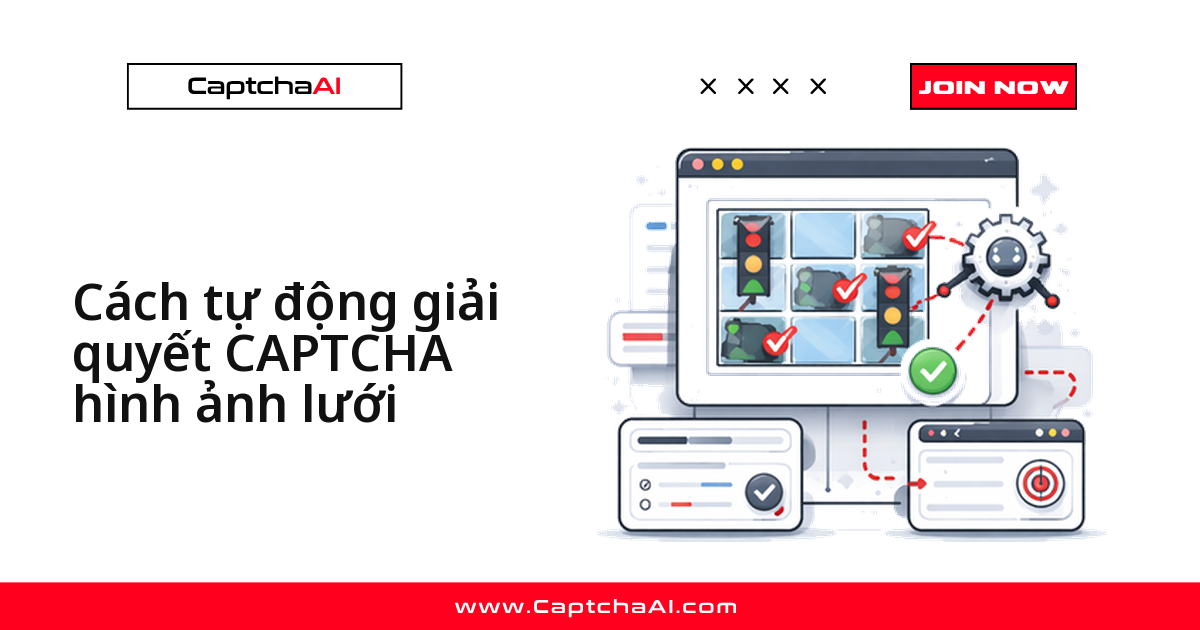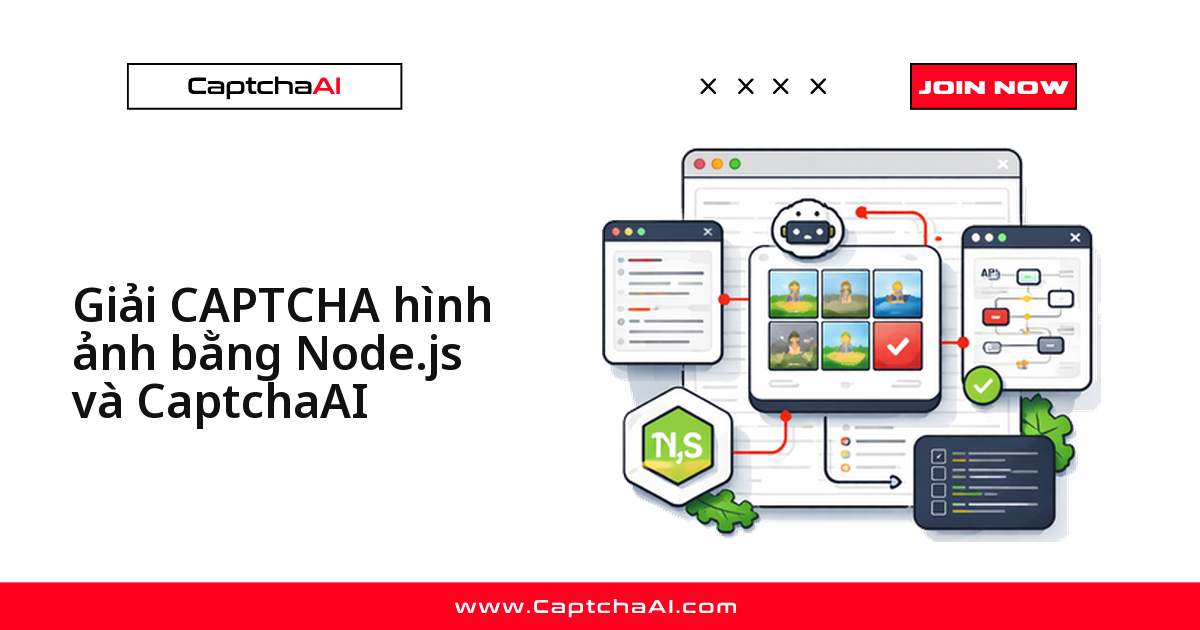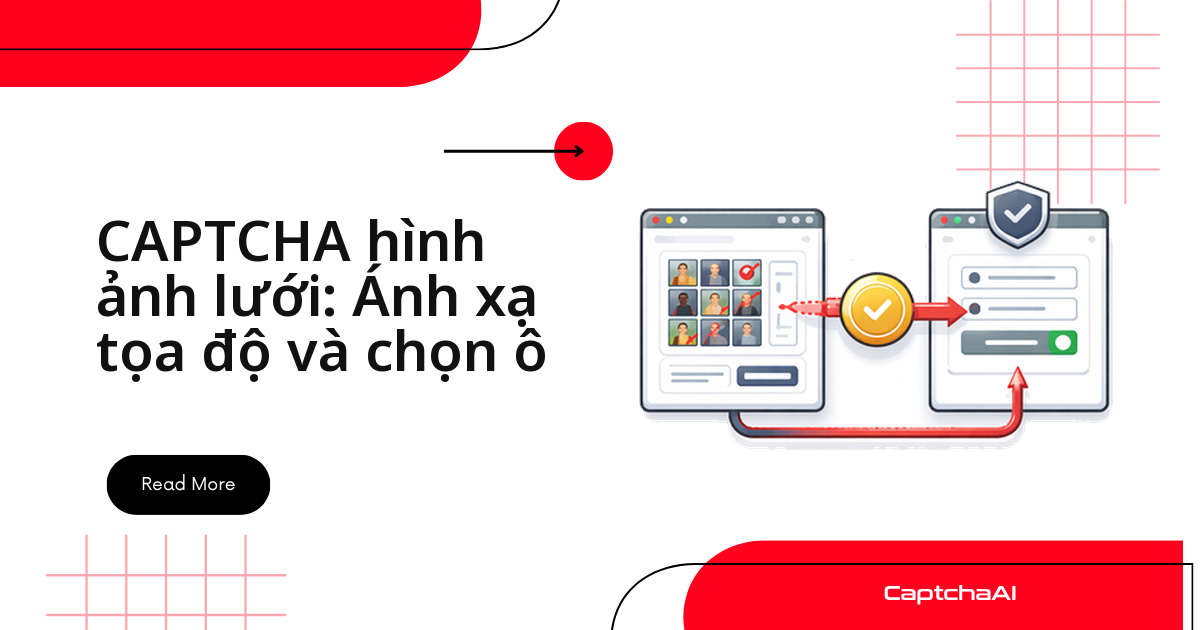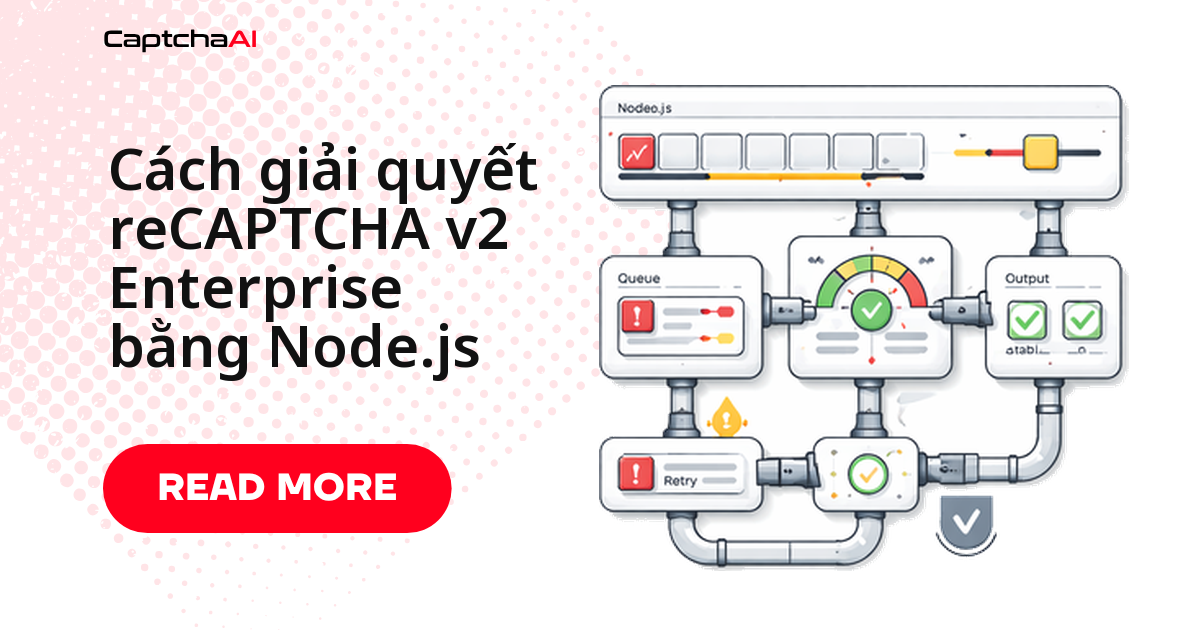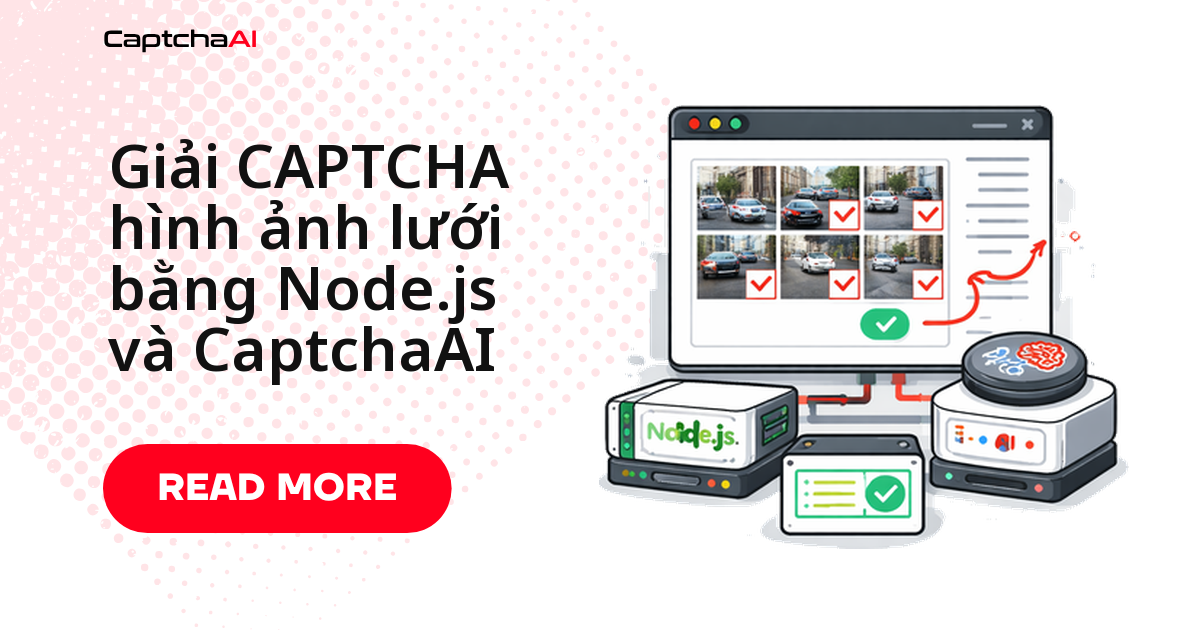
Script Puppeteer của bạn chạy trơn tru cho tới lúc reCAPTCHA bung ra một lưới 3×3 kèm dòng chữ "select all squares with traffic lights" — và mọi thứ dừng ở đó. Cách xử lý bằng API gọn hơn nhiều người nghĩ: chụp ảnh vùng lưới, gửi ảnh đó cùng câu hướng dẫn tới in.php, polling res.php để lấy danh sách số ô, rồi click đúng những ô đó trong iframe. Bốn bước, không cần model nhận dạng ảnh nào của riêng bạn.
Bài này đi hết bốn bước bằng Node.js với CaptchaAI và Puppeteer, kèm cách xử lý lỗi và ước lượng thread.
Grid image khác gì CAPTCHA dạng token
Với reCAPTCHA v2 hay Cloudflare Turnstile, bạn gửi sitekey + pageurl và nhận token để đặt vào form. Grid image khác hẳn: đầu vào là ảnh kèm câu hướng dẫn tiếng Anh, đầu ra là danh sách chỉ số ô cần click. CaptchaAI trả lời "ô nào", còn phần click vẫn thuộc về script của bạn.
Hệ quả thực tế cho code Node.js:
- Bạn cần một trình duyệt thật (Puppeteer hoặc Playwright) để chụp được vùng lưới trong iframe
bframe. - Câu hướng dẫn phải được gửi nguyên văn tiếng Anh trong tham số
instructions; đừng dịch sang tiếng Việt trước khi gửi. - Kích thước lưới phải khớp:
3x3hoặc4x4, khai báo quagrid_size.
Chuẩn bị trước khi chạy
| Mục | Giá trị |
|---|---|
| Khóa API CaptchaAI | Từ captchaai.com |
| Node.js | 14+ |
| Thư viện | axios, puppeteer |
Cần thêm form-data để đóng gói ảnh multipart. Nên chạy ở chế độ có giao diện khi phát triển, rồi chuyển sang headless khi đưa lên CI.
Bước 1: chụp ảnh vùng lưới
Puppeteer làm việc với reCAPTCHA qua hai iframe: anchor (ô checkbox) và bframe (thử thách ảnh). Đoạn code dưới đây tìm frame bframe, đọc câu hướng dẫn, rồi chụp riêng vùng lưới ra file grid.png.
const puppeteer = require('puppeteer');
const fs = require('fs');

const browser = await puppeteer.launch();
const page = await browser.newPage();
await page.goto('https://example.com/page-with-recaptcha');

// Switch to the reCAPTCHA challenge iframe
const frames = page.frames();
const challengeFrame = frames.find((f) => f.url().includes('recaptcha/api2/bframe'));

// Get the instruction text
const instruction = await challengeFrame.$eval(
  '.rc-imageselect-desc-no-canonical',
  (el) => el.textContent.trim()
);

// Screenshot the grid
const grid = await challengeFrame.$('.rc-imageselect-target');
await grid.screenshot({ path: 'grid.png' });
Nếu challengeFrame trả về undefined, thử thách chưa mở — hãy click vào checkbox reCAPTCHA trước và chờ frame xuất hiện.
Bước 2: gửi ảnh và câu hướng dẫn tới CaptchaAI
Task được gửi bằng multipart POST tới in.php với method=post. Ba tham số quyết định chất lượng kết quả là grid_size, img_type và instructions.
const axios = require('axios');
const FormData = require('form-data');

const API_KEY = 'YOUR_API_KEY';
const sleep = (ms) => new Promise((r) => setTimeout(r, ms));

const form = new FormData();
form.append('key', API_KEY);
form.append('method', 'post');
form.append('grid_size', '3x3');
form.append('img_type', 'recaptcha');
form.append('instructions', instruction);
form.append('json', '1');
form.append('file', fs.createReadStream('grid.png'));

const { data: submitData } = await axios.post('https://ocr.captchaai.com/in.php', form, {
  headers: form.getHeaders(),
});

if (submitData.status !== 1) throw new Error(submitData.request);
const taskId = submitData.request;
console.log(`Task submitted: ${taskId}`);
Phản hồi thành công có dạng {"status":1,"request":"<ID task>"}. Lưu lại ID task này — mọi lần polling ở bước sau đều dựa vào nó.
Bước 3: polling res.php để lấy danh sách ô
Polling ở đây nghĩa là chủ động hỏi kết quả định kỳ. Chờ khoảng 5 giây trước lần hỏi đầu tiên, sau đó lặp lại mỗi 5 giây cho tới khi trạng thái chuyển thành 1.
await sleep(5000);

let cellsToClick;
for (let i = 0; i < 30; i++) {
  const { data: pollData } = await axios.get('https://ocr.captchaai.com/res.php', {
    params: { key: API_KEY, action: 'get', id: taskId, json: 1 },
  });

  if (pollData.status === 1) {
    cellsToClick = JSON.parse(pollData.request);
    console.log('Click cells:', cellsToClick);
    break;
  }
  if (pollData.request !== 'CAPCHA_NOT_READY') {
    throw new Error(pollData.request);
  }
  await sleep(5000);
}
Chừng nào request còn là CAPCHA_NOT_READY thì task vẫn đang được xử lý; bất kỳ giá trị nào khác là mã lỗi thật và cần dừng vòng lặp ngay thay vì thử lại vô ích.
Bước 4: click đúng ô rồi xác nhận
Kết quả trả về là mảng chỉ số đếm từ 1, trong khi mảng DOM đếm từ 0 — vì vậy phải trừ đi 1. Giãn mỗi lần click khoảng 300 mili giây (ms) để thao tác giống người dùng thật hơn và tránh bỏ sót sự kiện.
const tiles = await challengeFrame.$$('.rc-imageselect-tile');

for (const cellNum of cellsToClick) {
  await tiles[cellNum - 1].click();
  await sleep(300);
}

// Click verify
await challengeFrame.click('#recaptcha-verify-button');
console.log(`Solved: clicked tiles ${JSON.stringify(cellsToClick)}`);
await browser.close();
Kết quả in ra console:
Click cells: [1, 3, 6, 9]
Solved: clicked tiles [1,3,6,9]
Kịch bản thực tế: đội QA thương mại điện tử tại TP.HCM
Tình huống quen thuộc với các đội product và outsourcing ở Việt Nam: bộ test hồi quy cho luồng đăng ký chạy hằng đêm trên staging, trang đăng ký bật reCAPTCHA, và cả suite fail ngay bước đầu. Gắn hàm giải lưới ở trên vào fixture đăng nhập là đủ để test tự đi qua thử thách ảnh.
Biến thể thứ hai là theo dõi giá trên Shopee, Lazada hay Tiki cho chính danh mục sản phẩm của công ty bạn: thử thách ảnh chỉ xuất hiện lẻ tẻ, nên chỉ cần thêm một nhánh xử lý trong worker hiện có. Nếu dữ liệu có dính thông tin cá nhân, Nghị định 13/2023/NĐ-CP là lý do tốt để giữ log các lần giải và chỉ lưu đúng phần dữ liệu cần thiết.
Những lỗi hay gặp và cách xử lý
| Vấn đề | Nguyên nhân thường gặp | Cách xử lý |
|---|---|---|
ERROR_ZERO_BALANCE |
Gói đã hết hạn | Kiểm tra số dư và gia hạn trong bảng điều khiển |
| Kết quả click sai ô | grid_size không khớp lưới thật |
Đọc số ô trong DOM trước, rồi đặt 3x3 hoặc 4x4 cho đúng |
| Kết quả lệch một ô | Quên trừ 1 khi map sang mảng tile | Dùng tiles[cellNum - 1] như ở bước 4 |
| Ảnh chụp bị cắt | Chụp cả trang thay vì vùng lưới | Chụp đúng element .rc-imageselect-target |
| Thử thách lặp lại nhiều vòng | reCAPTCHA nạp ô mới sau khi xác nhận | Bọc bốn bước trong vòng lặp tối đa 3–4 lượt rồi mới báo lỗi |
Chi phí và số thread cần dùng
CaptchaAI tính tiền theo thread (luồng giải đồng thời), không tính theo từng lần giải. Với Node.js, số thread nên bằng số worker chạy đồng thời, không phải tổng số CAPTCHA mỗi ngày.
- BASIC ($15/tháng, 5 thread) — đủ cho một suite test hồi quy chạy tuần tự hoặc vài worker scraping.
- STANDARD ($30/tháng, 15 thread) — phù hợp khi CI chạy song song nhiều job.
- ADVANCE ($90/tháng, 50 thread) — dành cho cụm crawler thường trực.
Giá niêm yết bằng USD; bạn thanh toán bằng thẻ quốc tế như với các dịch vụ SaaS khác.
Câu hỏi thường gặp
Tại sao phải gửi instructions bằng tiếng Anh?
Vì đó là chuỗi gốc reCAPTCHA hiển thị và là dữ liệu để xác định cần chọn đối tượng nào. Đọc trực tiếp từ DOM và gửi nguyên văn; dịch sang tiếng Việt trước khi gửi sẽ làm sai ngữ cảnh.
CaptchaAI có giải hCaptcha hay FunCaptcha không?
Không. Hiện CaptchaAI chưa hỗ trợ hCaptcha và FunCaptcha (Arkose Labs); GeeTest v4 cũng chỉ ở trạng thái sắp ra mắt. Grid image, reCAPTCHA v2/v3, Cloudflare Turnstile, Cloudflare Challenge, GeeTest v3, ảnh/OCR và BLS thì được hỗ trợ đầy đủ.
Nên polling bao lâu trước khi coi như thất bại?
Vòng lặp mẫu ở bước 3 hỏi 30 lần, mỗi lần cách nhau 5 giây. Trong thực tế nên đặt thêm một mốc dừng theo thời gian tổng của cả job để không giữ thread quá lâu cho một task hỏng.
Có chạy được trong Docker trên CI không?
Được. Cài các thư viện hệ thống Chromium cần rồi chạy Puppeteer ở chế độ headless; phần gọi API không đổi, chỉ cần nạp API key qua biến môi trường.