Pipeline scraping hoặc QA chạy ổn nhiều tuần, rồi một sáng token reCAPTCHA v3 bị backend từ chối hàng loạt trong khi code không đổi một dòng. Nguyên nhân phổ biến: site đã chuyển từ reCAPTCHA v3 bản thường sang reCAPTCHA Enterprise. Về phía CaptchaAI, khác biệt giữa hai bản gói gọn trong một tham số — enterprise=1. Phần khó là nhận ra site đang dùng bản nào, vì cả hai đều chạy ẩn, không có widget để nhìn bằng mắt.
Bài này đi theo thứ tự bạn cần khi tích hợp: nhận diện phiên bản từ HTML, gửi task đúng tham số, lấy action, gắn token vào form.
Điểm khác biệt duy nhất chạm tới code của bạn
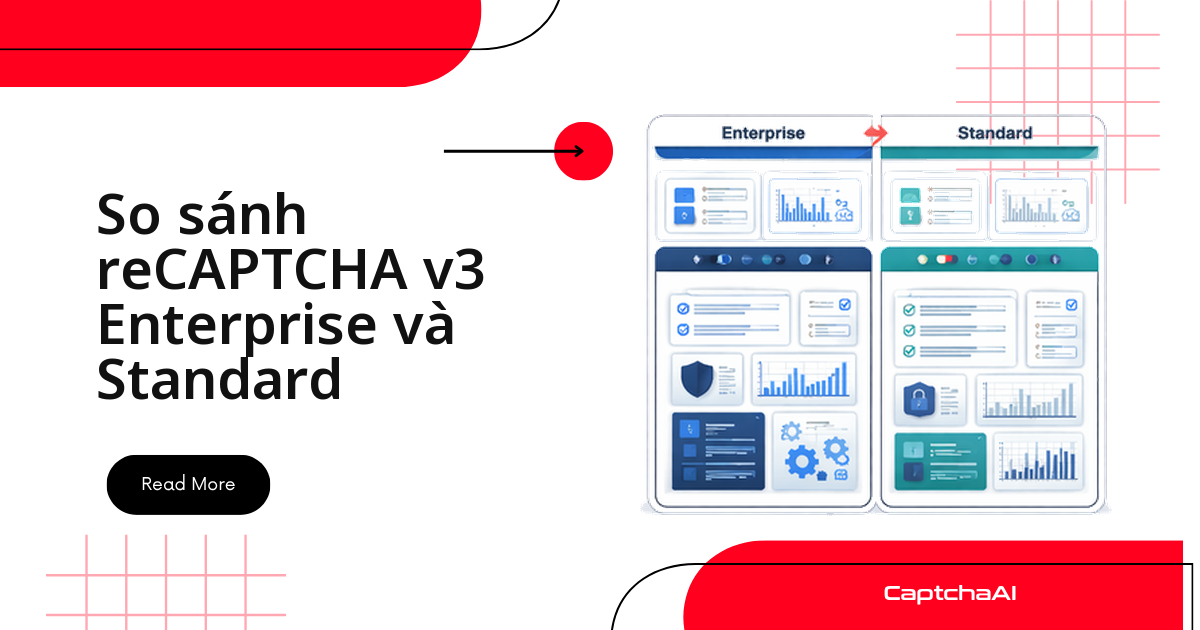
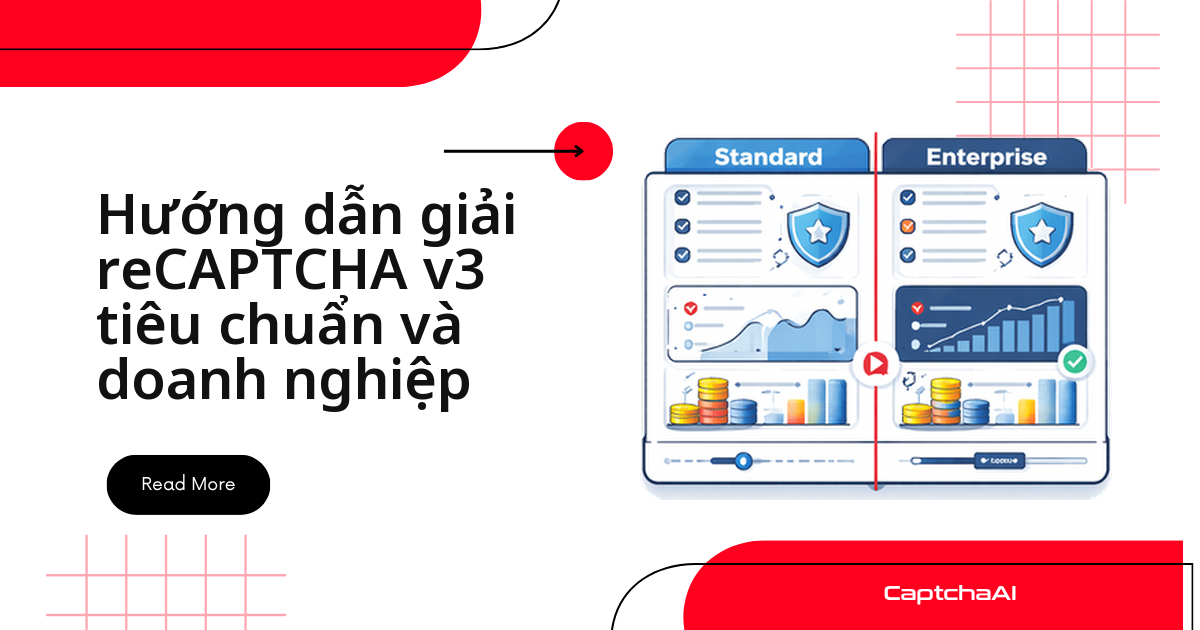
Cả hai bản đều trả về điểm rủi ro 0,0–1,0 và đều bắt buộc có action. Enterprise cộng thêm reason code, ngưỡng riêng theo hành động, phát hiện rò rỉ mật khẩu, Account Defender và xác minh qua recaptchaenterprise.googleapis.com (trả phí) thay vì siteverify (miễn phí) — nhưng tất cả đều nằm ở phía chủ site. Bên gửi task giải chỉ thấy hai thay đổi: file JS nhúng khác nhau, và request tới in.php có thêm một tham số.
Bảng so sánh Standard v3 và Enterprise v3
| Tính năng | Standard v3 | Enterprise v3 |
|---|---|---|
| Chạy ẩn (invisible) | Có | Có |
| Điểm rủi ro (0,0–1,0) | Có | Có |
Tham số action |
Bắt buộc | Bắt buộc |
| File JS | api.js?render=KEY |
enterprise.js?render=KEY |
| Hàm execute | grecaptcha.execute() |
grecaptcha.enterprise.execute() |
| Reason code | Không | Có (AUTOMATION, TOO_MUCH_TRAFFIC…) |
| Ngưỡng riêng theo action | Không | Có (qua Cloud Console) |
| Phát hiện rò rỉ mật khẩu | Không | Có |
| Account Defender | Không | Có |
| Endpoint xác minh | siteverify (miễn phí) |
recaptchaenterprise.googleapis.com (trả phí) |
| Tham số gửi CaptchaAI | version=v3 |
version=v3 + enterprise=1 |
| Thời gian giải qua CaptchaAI | <4 giây | <4 giây |
Nhận diện site đang dùng bản nào
Không có widget để nhìn, nên phải đọc JavaScript nhúng trong trang. Dấu hiệu quyết định là tên file: enterprise.js là Enterprise, api.js?render= là bản thường. Đoạn Python dưới đây phân loại phiên bản và bóc luôn sitekey cùng action:
import requests
import re

def detect_v3_type(url):
    resp = requests.get(url)
    html = resp.text

    # Check for enterprise.js
    if "enterprise.js" in html:
        version = "enterprise_v3"
        execute_fn = "grecaptcha.enterprise.execute"
    elif "recaptcha/api.js" in html and "render=" in html:
        version = "standard_v3"
        execute_fn = "grecaptcha.execute"
    else:
        return None

    # Extract sitekey from render parameter
    key_match = re.search(r'render[=:]\s*["\']?([A-Za-z0-9_-]{40})', html)
    sitekey = key_match.group(1) if key_match else None

    # Extract action parameter
    action_match = re.search(r'action["\']?\s*[:=]\s*["\'](\w+)', html)
    action = action_match.group(1) if action_match else "unknown"

    return {
        "version": version,
        "sitekey": sitekey,
        "action": action,
        "execute_fn": execute_fn
    }

info = detect_v3_type("https://staging.example.com/qa-login")
print(info)
Hàm trả về dict dùng được ngay cho bước gửi task, hoặc None nếu trang không dùng v3. Bản Node.js tương đương cho crawler chạy trên axios:
const axios = require("axios");

async function detectV3Type(url) {
  const { data: html } = await axios.get(url);

  let version, executeFn;
  if (html.includes("enterprise.js")) {
    version = "enterprise_v3";
    executeFn = "grecaptcha.enterprise.execute";
  } else if (html.includes("recaptcha/api.js") && html.includes("render=")) {
    version = "standard_v3";
    executeFn = "grecaptcha.execute";
  } else {
    return null;
  }

  const keyMatch = html.match(/render[=:]\s*['"]?([A-Za-z0-9_-]{40})/);
  const actionMatch = html.match(/action['"]?\s*[:=]\s*['"](\w+)/);

  return {
    version,
    sitekey: keyMatch?.[1] || null,
    action: actionMatch?.[1] || "unknown",
    executeFn,
  };
}
Kiểm tra nhanh một trang thì dán đoạn này vào DevTools console:
// Paste in DevTools console
if (document.querySelector('script[src*="enterprise.js"]')) {
  console.log("Enterprise v3");
  console.log("Execute:", typeof grecaptcha?.enterprise?.execute);
} else if (document.querySelector('script[src*="api.js"][src*="render="]')) {
  console.log("Standard v3");
  console.log("Execute:", typeof grecaptcha?.execute);
}
Gửi task giải qua CaptchaAI
Luồng hai bản giống hệt nhau: gửi task tới in.php, nhận ID task, polling res.php tới khi có token.
Standard v3
import requests
import time

# Submit
resp = requests.get("https://ocr.captchaai.com/in.php", params={
    "key": "YOUR_API_KEY",
    "method": "userrecaptcha",
    "version": "v3",
    "googlekey": sitekey,
    "action": "login",
    "pageurl": page_url
})
task_id = resp.text.split("|")[1]

# Poll
for _ in range(60):
    time.sleep(5)
    result = requests.get("https://ocr.captchaai.com/res.php", params={
        "key": "YOUR_API_KEY", "action": "get", "id": task_id
    })
    if result.text.startswith("OK|"):
        token = result.text.split("|")[1]
        break
Enterprise v3
Khác đoạn trên đúng một dòng — thêm enterprise=1:
import requests
import time

# Submit — add enterprise=1
resp = requests.get("https://ocr.captchaai.com/in.php", params={
    "key": "YOUR_API_KEY",
    "method": "userrecaptcha",
    "version": "v3",
    "enterprise": 1,  # Required for Enterprise
    "googlekey": sitekey,
    "action": "login",
    "pageurl": page_url
})
task_id = resp.text.split("|")[1]

# Polling is identical to standard
for _ in range(60):
    time.sleep(5)
    result = requests.get("https://ocr.captchaai.com/res.php", params={
        "key": "YOUR_API_KEY", "action": "get", "id": task_id
    })
    if result.text.startswith("OK|"):
        token = result.text.split("|")[1]
        break
Solver tự nhận diện cả hai bản
Thực tế bạn hiếm khi biết trước site dùng bản nào khi chạy trên một danh sách URL. Class dưới đây gộp nhận diện và giải vào một hàm, tự bật cờ enterprise khi thấy enterprise.js:
import requests
import time
import re

class RecaptchaV3Solver:
    def __init__(self, api_key):
        self.api_key = api_key

    def detect_and_solve(self, page_url, action=None):
        """Auto-detect standard vs enterprise and solve."""
        html = requests.get(page_url).text

        is_enterprise = "enterprise.js" in html
        key_match = re.search(r'render[=:]\s*["\']?([A-Za-z0-9_-]{40})', html)
        if not key_match:
            raise Exception("No v3 sitekey found")
        sitekey = key_match.group(1)

        if not action:
            action_match = re.search(r'action["\']?\s*[:=]\s*["\'](\w+)', html)
            action = action_match.group(1) if action_match else "verify"

        params = {
            "key": self.api_key,
            "method": "userrecaptcha",
            "version": "v3",
            "googlekey": sitekey,
            "action": action,
            "pageurl": page_url
        }
        if is_enterprise:
            params["enterprise"] = 1

        resp = requests.get("https://ocr.captchaai.com/in.php", params=params)
        if not resp.text.startswith("OK|"):
            raise Exception(f"Submit failed: {resp.text}")

        task_id = resp.text.split("|")[1]
        for _ in range(60):
            time.sleep(5)
            result = requests.get("https://ocr.captchaai.com/res.php", params={
                "key": self.api_key, "action": "get", "id": task_id
            })
            if result.text.startswith("OK|"):
                return result.text.split("|")[1]
            if result.text != "CAPCHA_NOT_READY":
                raise Exception(f"Solve failed: {result.text}")

        raise Exception("Timed out")

solver = RecaptchaV3Solver("YOUR_API_KEY")
token = solver.detect_and_solve("https://staging.example.com/qa-login", action="login")
print(f"Token: {token[:40]}...")
Dạng này hợp với job chạy định kỳ: site lên Enterprise thì code không phải sửa.
Lấy đúng chuỗi action
Với v3, action quan trọng ngang sitekey ở cả hai bản. Gửi sai action thì điểm thấp và token dễ bị từ chối ở bước xác minh, dù task vẫn báo OK|.
import re

def find_v3_actions(html):
    """Extract all action parameters from page JavaScript."""
    # Look for grecaptcha.execute(key, {action: '...'})
    pattern = r"(?:grecaptcha\.(?:enterprise\.)?execute|action)\s*[(:]\s*['\"](\w+)"
    actions = re.findall(pattern, html)
    return list(set(actions))

# Common actions: "login", "submit", "register", "checkout", "homepage"
Giá trị hay gặp: login, submit, register, checkout, homepage. Nếu regex không bắt được, tìm execute( trong tab Sources của DevTools.
Gắn token vào form
Bước cuối giống nhau: token đi vào trường g-recaptcha-response, bằng JavaScript trong trình duyệt tự động hoặc bằng một field trong request POST.
# For browser-based workflows (Selenium)
driver.execute_script(
    f'document.getElementById("g-recaptcha-response").value = "{token}";'
)

# For pure HTTP workflows
requests.post(page_url, data={
    "g-recaptcha-response": token,
    "username": "user",
    "password": "pass"
})
Puppeteer và axios dùng đúng logic đó:
// Puppeteer
await page.evaluate((tok) => {
  document.getElementById("g-recaptcha-response").value = tok;
}, token);

// Pure HTTP (axios)
await axios.post(pageUrl, new URLSearchParams({
  "g-recaptcha-response": token,
  username: "user",
  password: "pass",
}));
Những lỗi khiến token v3 bị từ chối
| Lỗi | Hậu quả | Cách xử lý |
|---|---|---|
Bật enterprise=1 trên v3 thường |
Token có thể không hợp lệ | Kiểm tra enterprise.js trước |
Quên enterprise=1 với Enterprise v3 |
Backend từ chối token | Bật cờ khi thấy enterprise.js |
Sai chuỗi action |
Điểm thấp, token bị từ chối | Bóc action từ JS của trang |
Thiếu version=v3 |
Solver xử lý task như v2 | Luôn gửi version=v3 với v3 |
| Dùng sitekey v2 để giải v3 | ERROR_WRONG_GOOGLEKEY |
Sitekey v3 nằm ở render=KEY |
Tình huống thực tế: đội QA outsourcing chạy regression ban đêm
Một công ty outsourcing ở TP.HCM bảo trì cổng đăng nhập cho khách nước ngoài, chạy regression mỗi đêm trên staging. Form login vốn dùng v3 bản thường; sau một đợt nâng cấp hạ tầng, staging chuyển sang Enterprise mà đội QA không được báo. Job đêm đó fail sạch ở bước đăng nhập.
Cách xử lý gọn là đưa bước nhận diện vào test fixture, chạy lại mỗi lần khởi tạo phiên thay vì hardcode phiên bản trong config. Khi nhiều suite chạy song song, ràng buộc thật là số thread: STANDARD ($30/tháng, 15 thread) đủ cho vài chục case đăng nhập đồng thời, pipeline lớn hơn thì lên ADVANCE ($90/tháng, 50 thread). CaptchaAI tính tiền theo thread (luồng giải đồng thời) với số lượt giải không giới hạn, nên chạy lại nhiều lần không đội chi phí và cờ enterprise=1 không phát sinh phụ phí; giá niêm yết bằng USD, thanh toán bằng thẻ quốc tế. Nếu log HTML để debug, nhớ cắt thông tin cá nhân trước khi lưu — Nghị định 13/2023/NĐ-CP là lý do đủ tốt để giữ log tối thiểu và có hạn xóa.
Câu hỏi thường gặp
Token v3 sống được bao lâu trước khi phải giải lại?
Đúng 120 giây, và mỗi token chỉ dùng được một lần. Hãy gửi task giải ngay sát bước submit form; token quá hạn bị từ chối y hệt khi sai action.
Điểm v3 thấp có phải do đặt sai cờ enterprise không?
Có thể, nhưng hiếm khi là nguyên nhân chính. Kiểm tra action trước — sai chuỗi action phổ biến hơn nhiều; sau đó mới đối chiếu enterprise.js xem cờ có khớp phiên bản site không.
Nên đặt timeout bao nhiêu khi polling res.php?
CaptchaAI đặt SLA giải reCAPTCHA v3 ở mức <4 giây, nên polling 5 giây một lần với trần khoảng 120 giây là dư an toàn. Đừng polling dày hơn: request thừa không làm task xong nhanh hơn.
Gửi task cho reCAPTCHA v2 Enterprise có khác v3 Enterprise không?
Khác ở version. v2 Enterprise không cần version=v3 lẫn action, còn v3 bắt buộc cả hai. Riêng cờ enterprise=1 dùng chung cho cả hai loại.
Có cần chạy lại bước nhận diện ở mỗi lần tải trang không?
Nên. Site có thể chuyển sang Enterprise bất kỳ lúc nào, nên hãy coi phiên bản là thứ đọc lúc runtime, không phải hằng số trong config:
page_source = driver.page_source
is_enterprise = "enterprise.js" in page_source