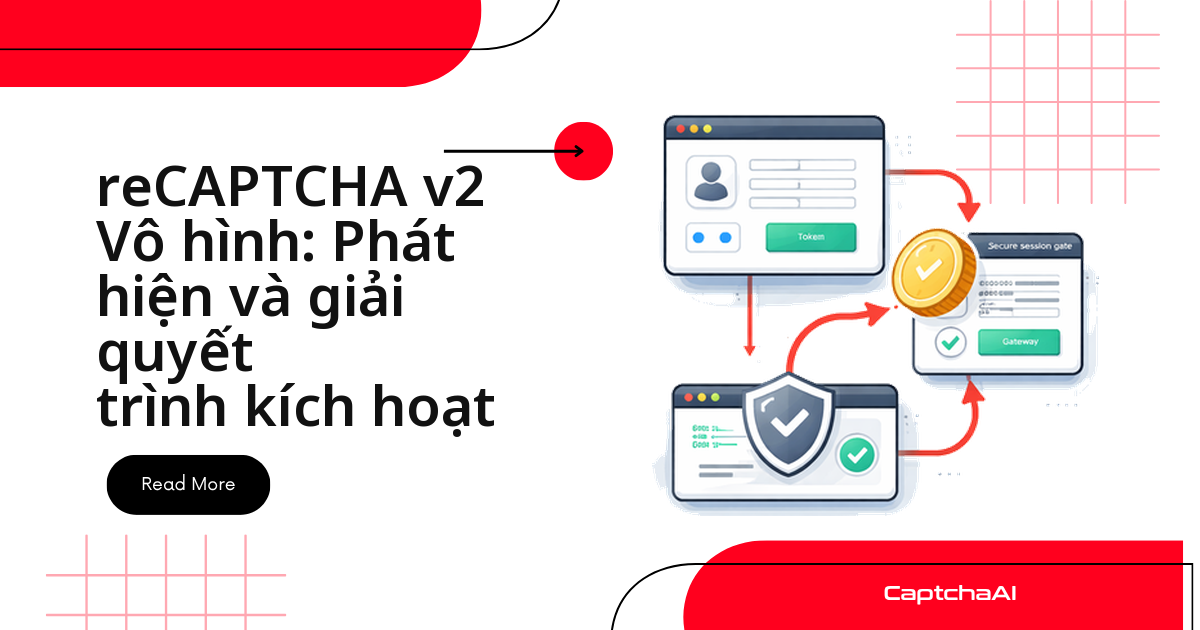
Ba tín hiệu đủ để kết luận một trang đang chạy reCAPTCHA v2 Invisible:
data-size="invisible"trên phần tử.g-recaptcha- badge ở góc phải dưới màn hình
- lời gọi
grecaptcha.execute()trong script trang
Invisible bám vào nút submit và chỉ bung thử thách khi Google chấm phiên là rủi ro. Còn lại ba việc: lấy sitekey, gửi task kèm invisible=1, đặt token vào form rồi gọi callback.
Vì sao CI dính CAPTCHA còn bạn test tay thì không
Một team QA outsourcing ở TP.HCM test tay không thấy CAPTCHA nên bộ test Selenium không xử lý nó. Khi CI chạy 200 lượt login mỗi đêm từ cùng một dải IP, điểm rủi ro của phiên tăng, Invisible bung thử thách và cả bộ test đỏ với log captcha verification failed. Các đội theo dõi giá trên Shopee hay Tiki gặp đúng cảnh này ở trang đăng nhập tài khoản seller của họ.
Bốn cách kiểm tra Invisible trong console
Chạy các đoạn sau trong DevTools trang staging.
Khi trang có div .g-recaptcha
data-size trả về invisible là kết luận chắc chắn nhất, kèm luôn sitekey:
// Browser console
const widgets = document.querySelectorAll('.g-recaptcha');
widgets.forEach((el, i) => {
  const size = el.getAttribute('data-size');
  const sitekey = el.getAttribute('data-sitekey');
  console.log(`Widget ${i}: size=${size}, sitekey=${sitekey}`);
  if (size === 'invisible') {
    console.log('  → This is Invisible reCAPTCHA');
  }
});
Badge là dấu hiệu thứ hai, đôi khi bị CSS đẩy khỏi khung nhìn:
const badge = document.querySelector('.grecaptcha-badge');
if (badge) {
  console.log('reCAPTCHA badge found — likely Invisible reCAPTCHA');
  console.log('Badge visibility:', getComputedStyle(badge).visibility);
}
Cả hai đoạn đều rỗng thì xuống nhóm dưới.
Khi widget được khởi tạo bằng code
Trang không có div .g-recaptcha vẫn có thể đang chạy Invisible; sitekey nằm trong tham số lời gọi:
// Look for grecaptcha.execute in page scripts
document.querySelectorAll('script:not([src])').forEach(s => {
  if (s.textContent.includes('grecaptcha.execute')) {
    console.log('Found grecaptcha.execute — Invisible reCAPTCHA');
    const match = s.textContent.match(/grecaptcha\.execute\s*\(\s*['"]?([^'",\s)]+)/);
    if (match) console.log('Sitekey:', match[1]);
  }
});
Cách cuối: đọc thẻ script Google:
document.querySelectorAll('script[src*="recaptcha"]').forEach(s => {
  if (s.src.includes('render=') && !s.src.includes('render=explicit')) {
    console.log('Invisible/v3 reCAPTCHA detected in script:', s.src);
  }
});
Có render= kèm sitekey nghĩa là Invisible hoặc v3.
Invisible khác gì reCAPTCHA v2 tiêu chuẩn
| Đặc điểm | v2 tiêu chuẩn | v2 Invisible |
|---|---|---|
| Widget | Ô kiểm | Chỉ badge ở góc |
data-size |
normal / compact |
invisible |
| Thử thách ảnh | Luôn có thể | Chỉ khi phiên rủi ro |
| Tham số API | userrecaptcha |
thêm invisible=1 |
Hai biến thể dùng chung method userrecaptcha; v3 thì luôn kèm action và chỉ trả về điểm số.
Gửi task tới CaptchaAI kèm invisible=1
CaptchaAI hỗ trợ chính thức reCAPTCHA v2 Invisible. Quên cờ invisible là lỗi phổ biến nhất: token vẫn về nhưng trang từ chối.
Python
import requests
import time

API_KEY = "YOUR_API_KEY"

# Submit with invisible flag
resp = requests.post("https://ocr.captchaai.com/in.php", data={
    "key": API_KEY,
    "method": "userrecaptcha",
    "googlekey": "6Le-SITEKEY",
    "pageurl": "https://staging.example.com/qa-login",
    "invisible": "1",  # critical for Invisible reCAPTCHA
    "json": "1",
}).json()

if resp["status"] != 1:
    raise Exception(f"Submit error: {resp['request']}")

task_id = resp["request"]
print(f"Submitted: {task_id}")

# Poll for result
for _ in range(24):
    time.sleep(5)
    result = requests.get("https://ocr.captchaai.com/res.php", params={
        "key": API_KEY, "action": "get", "id": task_id, "json": "1"
    }).json()

    if result["status"] == 1:
        print(f"Token: {result['request'][:50]}...")
        break
    if result["request"] != "CAPCHA_NOT_READY":
        raise Exception(f"Error: {result['request']}")
Task đi tới in.php, rồi polling res.php mỗi 5 giây. CAPCHA_NOT_READY là chờ tiếp; giá trị khác là mã lỗi cần đọc kỹ.
Node.js
const axios = require('axios');

const resp = await axios.post('https://ocr.captchaai.com/in.php', null, {
  params: {
    key: 'YOUR_API_KEY',
    method: 'userrecaptcha',
    googlekey: '6Le-SITEKEY',
    pageurl: 'https://staging.example.com/qa-login',
    invisible: 1,
    json: 1,
  }
});
const taskId = resp.data.request;
console.log(`Submitted: ${taskId}`);
- BASIC ($15/tháng, 5 thread) đủ cho bộ test hồi quy chạy đêm.
- ADVANCE ($90/tháng, 50 thread) hợp với pipeline scraping nhiều worker.
Giá tính theo thread (luồng giải đồng thời), không theo lần giải, niêm yết bằng USD.
Đặt token vào form và gọi đúng callback
Bước hay bị bỏ sót nhất. v2 thường chỉ cần ghi token vào g-recaptcha-response; Invisible còn chờ hàm trong data-callback:
from selenium import webdriver
from selenium.webdriver.common.by import By

driver = webdriver.Chrome()
driver.get("https://staging.example.com/qa-login")

# After solving, inject and trigger
driver.execute_script("""
    // Set the token
    document.querySelector('textarea[name="g-recaptcha-response"]').value = arguments[0];

    // Find and trigger the callback
    var widget = document.querySelector('.g-recaptcha');
    var callbackName = widget ? widget.getAttribute('data-callback') : null;

    if (callbackName && typeof window[callbackName] === 'function') {
        window[callbackName](arguments[0]);
    }
""", token)

# Submit the form
driver.find_element(By.CSS_SELECTOR, "form#login").submit()
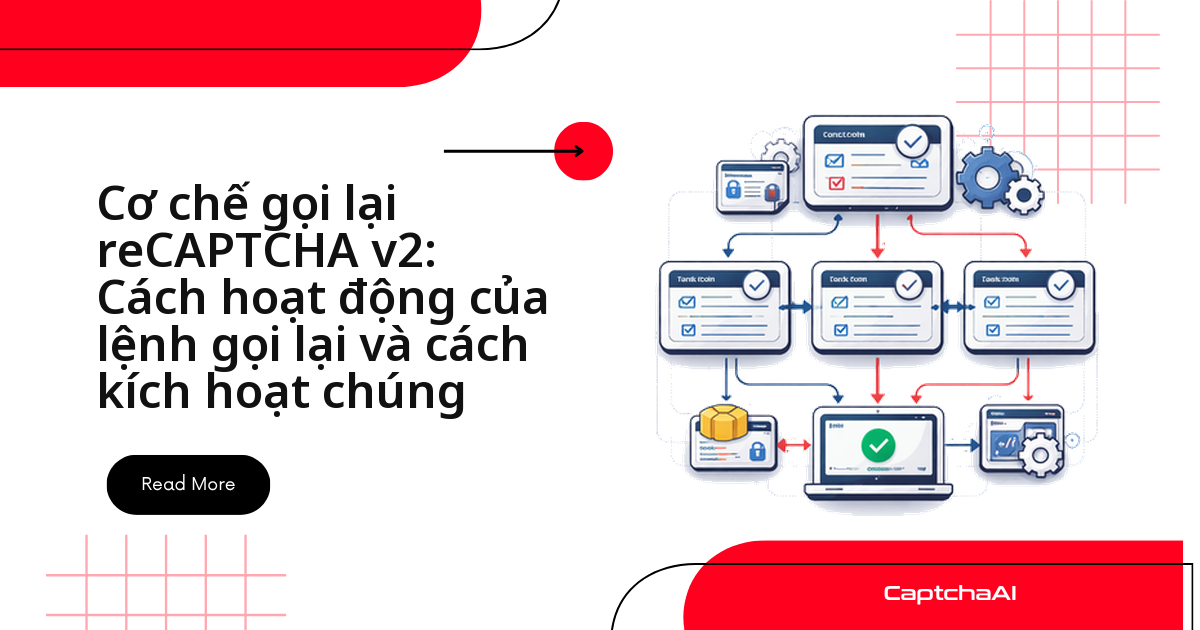
Widget khởi tạo bằng code thì tên callback nằm trong tham số của grecaptcha.render() — xem cơ chế callback của reCAPTCHA v2.
Khi form vẫn đứng im: tìm phần tử kích hoạt
Mẫu thứ nhất gắn thẳng lên nút:
<button class="g-recaptcha"
        data-sitekey="6Le-SITEKEY"
        data-callback="onSubmit"
        data-size="invisible">
  Submit
</button>
Mẫu thứ hai gọi CAPTCHA từ JavaScript:
// Site's code
document.getElementById('submit-btn').addEventListener('click', function() {
  grecaptcha.execute();
});
Đoạn sau liệt kê nút g-recaptcha kèm sitekey và callback:
// Find elements with g-recaptcha class that are buttons
document.querySelectorAll('button.g-recaptcha, input.g-recaptcha').forEach(el => {
  console.log('Trigger element:', el.tagName, el.textContent.trim());
  console.log('  data-sitekey:', el.getAttribute('data-sitekey'));
  console.log('  data-callback:', el.getAttribute('data-callback'));
});
Lỗi thường gặp khi tích hợp
| Triệu chứng | Nguyên nhân | Cách xử lý |
|---|---|---|
| Trang từ chối token | Thiếu invisible=1 |
Thêm invisible: "1" vào request |
| Submit xong vẫn lỗi | Callback chưa chạy | Gọi hàm khai báo trong data-callback |
timeout-or-duplicate |
Token quá 120 giây hoặc dùng lại | Giải sát lúc submit, mỗi token một lần |
Câu hỏi thường gặp
Vì sao chạy tay không thấy CAPTCHA mà CI lại dính?
Invisible chỉ bung thử thách khi phiên bị chấm là rủi ro. Vài lượt test tay hiếm khi chạm ngưỡng; hàng trăm lượt CI từ một IP thì chạm ngay.
Token của Invisible sống được bao lâu?
120 giây và mỗi token chỉ dùng một lần, nên hãy gọi CaptchaAI ngay trước bước submit.
Ngoài Invisible, CaptchaAI xử lý được những loại nào?
reCAPTCHA v2 (kể cả Enterprise), v3, Cloudflare Turnstile, Cloudflare Challenge, GeeTest v3, CAPTCHA ảnh/OCR, grid image và BLS. hCaptcha, FunCaptcha (Arkose Labs) không có trong danh sách; GeeTest v4 sắp ra mắt; CaptchaFox, Friendly Captcha, Lemin ở giai đoạn beta.
Invisible và v3 đều không có ô kiểm, phân biệt bằng cách nào?
Xem lời gọi grecaptcha.execute(): có action là v3, không có là Invisible v2. v3 còn nhúng script với render=SITEKEY.
Bắt đầu với CaptchaAI
Lấy API key tại captchaai.com, thêm invisible=1 vào request đầu tiên rồi chạy lại bộ test staging.