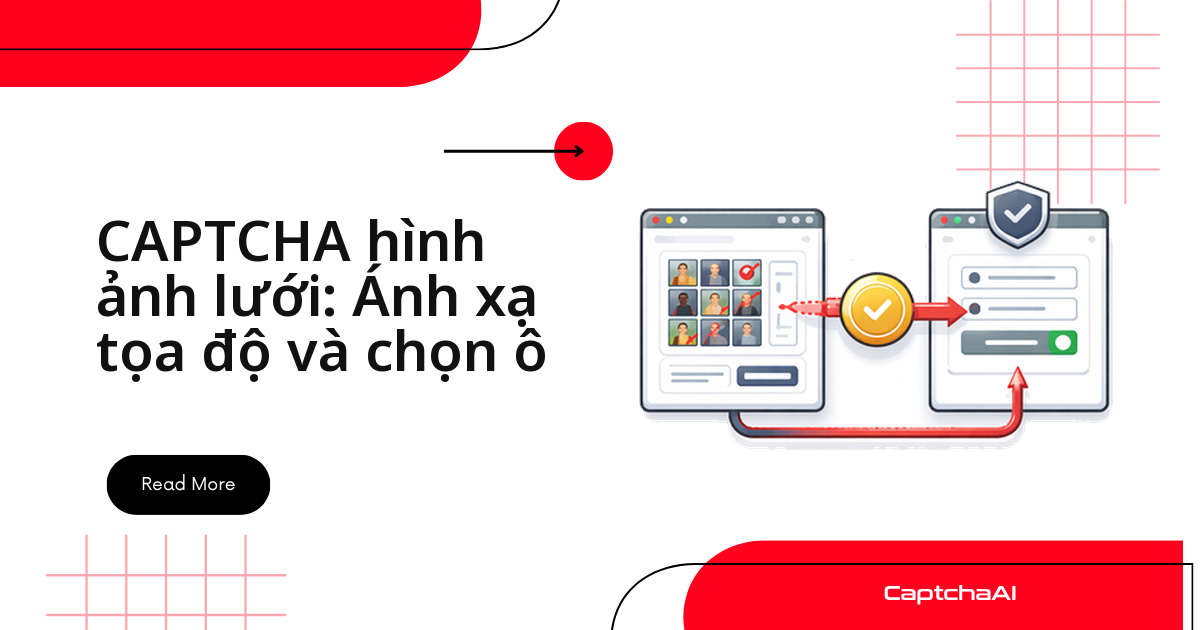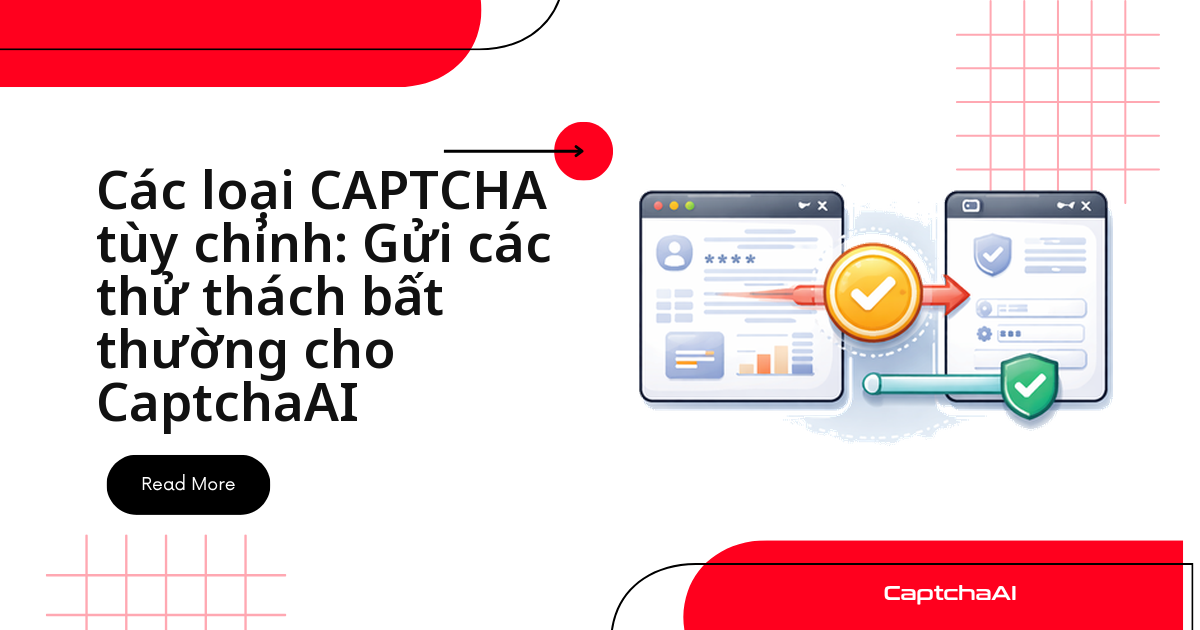
Với một CAPTCHA lạ — thanh trượt, mảnh ghép hình, ảnh cần xoay hay đoạn audio cần gõ lại — bạn không cần API riêng cho từng kiểu. Cách gọn nhất là chụp màn hình thử thách, gửi kèm một câu hướng dẫn văn bản tới endpoint image/OCR của CaptchaAI, rồi lấy kết quả và điền vào trang. Luồng chung luôn gồm bốn bước:
- Chụp màn hình vùng thử thách và mã hóa base64.
- Gửi ảnh kèm
textinstructionstớiin.php, nhận về ID task. - Polling
res.phpcho đến khi có kết quả. - Ánh xạ chuỗi kết quả thành thao tác trên giao diện (kéo, xoay, click).
Bài viết dành cho dev đang scraping hoặc chạy QA, cần quy trình chạy được cho những CAPTCHA ngoài nhóm reCAPTCHA hay Turnstile tiêu chuẩn. Các cổng như đặt lịch hẹn visa (BLS) hay form nội bộ doanh nghiệp thường dùng widget kéo-thả tự dựng; phương pháp ảnh + hướng dẫn xử lý được những trường hợp đó nếu bạn được phép tự động hóa flow.
Khi nào một CAPTCHA được coi là tùy chỉnh
Trước khi viết code, hãy xác định kiểu bạn đang gặp và hướng xử lý:
| Loại | Đặc điểm | Cách tiếp cận |
|---|---|---|
| CAPTCHA thanh trượt | Kéo đến vị trí | Chụp màn hình thành ảnh, dùng hướng dẫn văn bản |
| Ghép hình (jigsaw) | Kéo mảnh cho khớp | Có thể ánh xạ sang cách giải kiểu GeeTest |
| CAPTCHA âm thanh | Nghe và gõ lại | Gửi file âm thanh |
| Xoay ảnh | Xoay về đúng hướng | Ảnh chụp màn hình + hướng dẫn |
| Chọn theo thứ tự | Click các mục theo trình tự | Dùng phương pháp lưới hình ảnh (grid) |
| Phép toán | Giải số học | Dùng tham số calc=1 |
| Tương tác tùy chỉnh | Widget JS riêng của trang | Ảnh chụp màn hình + hướng dẫn văn bản |
Công thức chung: ảnh chụp màn hình kèm hướng dẫn văn bản
Nền tảng của mọi ví dụ là một hàm gửi ảnh base64 kèm textinstructions, rồi polling đến khi có kết quả. Hướng dẫn càng cụ thể, kết quả càng đúng định dạng bạn cần:
import requests
import base64
import time
import os

API_KEY = os.environ["CAPTCHAAI_API_KEY"]

def solve_custom_captcha(image_b64, instructions):
    """Solve any visual CAPTCHA using image + text instructions."""
    resp = requests.post("https://ocr.captchaai.com/in.php", data={
        "key": API_KEY,
        "method": "base64",
        "body": image_b64,
        "textinstructions": instructions,
        "json": 1,
    }, timeout=30)

    result = resp.json()
    if result.get("status") != 1:
        raise RuntimeError(result.get("request"))

    task_id = result["request"]

    time.sleep(10)
    for _ in range(30):
        resp = requests.get("https://ocr.captchaai.com/res.php", params={
            "key": API_KEY, "action": "get",
            "id": task_id, "json": 1,
        }, timeout=15)
        data = resp.json()
        if data.get("status") == 1:
            return data["request"]
        if data["request"] != "CAPCHA_NOT_READY":
            raise RuntimeError(data["request"])
        time.sleep(5)

    raise TimeoutError("Solve timeout")
Hai điểm cần nhớ:
- Hướng dẫn nên yêu cầu đúng dạng dữ liệu, ví dụ "chỉ trả về số".
- Vòng polling chờ tối đa khoảng 160 giây trước khi ném timeout.
Các hàm bên dưới đều tái sử dụng solve_custom_captcha.
Giải CAPTCHA thanh trượt (slider)
Bạn chụp vùng thử thách, hỏi vị trí pixel cần kéo tới, rồi dùng Selenium ActionChains để kéo đúng khoảng đó:
# slider_captcha.py
from selenium.webdriver.common.by import By
from selenium.webdriver.common.action_chains import ActionChains

def solve_slider_captcha(driver, captcha_selector):
    """Screenshot slider CAPTCHA and solve via CaptchaAI."""
    captcha = driver.find_element(By.CSS_SELECTOR, captcha_selector)
    image_b64 = captcha.screenshot_as_base64

    result = solve_custom_captcha(
        image_b64,
        "What pixel position should the slider be dragged to? "
        "Return only the X offset number."
    )

    try:
        offset = int(result)
    except ValueError:
        return False

    # Drag slider to position
    slider = driver.find_element(By.CSS_SELECTOR, ".slider-handle")
    ActionChains(driver).click_and_hold(slider).move_by_offset(offset, 0).release().perform()

    return True
Kết quả là số offset X; nếu không parse được, hàm trả về False để bạn thử lại với ảnh rõ hơn.
Giải CAPTCHA xoay ảnh
Bạn hỏi số độ cần xoay theo chiều kim đồng hồ, rồi chia cho 90 ra số lần bấm nút xoay:
# rotation_captcha.py

def solve_rotation_captcha(driver, captcha_selector):
    """Solve rotation CAPTCHA."""
    captcha = driver.find_element(By.CSS_SELECTOR, captcha_selector)
    image_b64 = captcha.screenshot_as_base64

    result = solve_custom_captcha(
        image_b64,
        "How many degrees should this image be rotated clockwise "
        "to be in the correct upright orientation? Return only the number."
    )

    try:
        degrees = int(result)
    except ValueError:
        return False

    # Click rotation button the correct number of times
    rotate_btn = driver.find_element(By.CSS_SELECTOR, ".rotate-button")
    clicks = degrees // 90  # Each click rotates 90 degrees

    for _ in range(clicks):
        rotate_btn.click()
        time.sleep(0.3)

    return True
Cách chia 90 hợp với nút xoay từng nấc; widget xoay tự do thì quy đổi số độ sang thao tác kéo.
Giải CAPTCHA chọn theo thứ tự
Kiểu này click các phần tử theo trình tự. Hướng dẫn cần trả về danh sách vị trí cách nhau bởi dấu phẩy, đánh số trái qua phải, trên xuống dưới:
# order_captcha.py

def solve_order_captcha(driver, captcha_selector, item_selector):
    """Solve click-in-order CAPTCHA."""
    captcha = driver.find_element(By.CSS_SELECTOR, captcha_selector)
    image_b64 = captcha.screenshot_as_base64

    result = solve_custom_captcha(
        image_b64,
        "What is the correct order? Return as comma-separated "
        "numbers (1-indexed) representing positions left-to-right, top-to-bottom."
    )

    # Parse order
    try:
        order = [int(x.strip()) for x in result.split(",")]
    except ValueError:
        return False

    # Click items in order
    items = driver.find_elements(By.CSS_SELECTOR, item_selector)
    for idx in order:
        if 1 <= idx <= len(items):
            items[idx - 1].click()
            time.sleep(0.5)

    return True
Nếu chuỗi không parse được thành danh sách số, hãy siết lại câu hướng dẫn.
Giải CAPTCHA âm thanh (audio)
Khi trang có lựa chọn audio, bạn tải file về, mã hóa base64 và gửi kèm hướng dẫn phiên âm — CaptchaAI xử lý audio qua phương thức base64 tương tự ảnh:
# audio_captcha.py
import requests

def solve_audio_captcha(audio_url):
    """Download and solve an audio CAPTCHA."""
    # Download audio
    resp = requests.get(audio_url, timeout=30)
    audio_b64 = base64.b64encode(resp.content).decode("ascii")

    # Submit as image with instructions
    # CaptchaAI may support audio via the base64 method
    result = solve_custom_captcha(
        audio_b64,
        "This is an audio CAPTCHA. Transcribe the spoken characters."
    )
    return result
Xử lý widget CAPTCHA tùy chỉnh hoàn toàn
Với widget tự dựng chưa có handler chuyên biệt, quy trình gồm bốn bước:
- Chụp toàn bộ widget.
- Đọc hướng dẫn hiển thị, nếu có.
- Gửi ảnh kèm hướng dẫn đó.
- Điền kết quả vào ô input hoặc gán qua JavaScript.
# custom_widget.py
from selenium import webdriver
from selenium.webdriver.common.by import By

def handle_custom_widget(driver, widget_selector):
    """Handle an unknown custom CAPTCHA widget."""

    # Step 1: Screenshot the entire widget
    widget = driver.find_element(By.CSS_SELECTOR, widget_selector)
    image_b64 = widget.screenshot_as_base64

    # Step 2: Get any visible instructions
    try:
        instructions_el = widget.find_element(By.CSS_SELECTOR, ".instructions, .prompt, p")
        visible_instructions = instructions_el.text
    except Exception:
        visible_instructions = "Solve this CAPTCHA"

    # Step 3: Submit with descriptive instructions
    result = solve_custom_captcha(
        image_b64,
        f"CAPTCHA instructions: {visible_instructions}. "
        f"Return the answer text."
    )

    # Step 4: Try to submit result
    try:
        input_el = widget.find_element(By.CSS_SELECTOR, "input")
        input_el.clear()
        input_el.send_keys(result)
    except Exception:
        # No input — try clicking based on result
        driver.execute_script("""
            var input = document.querySelector('input[name*="captcha"]');
            if (input) input.value = arguments[0];
        """, result)

    return result
Đây là "phương án cuối": chất lượng phụ thuộc vào việc trang có hiện text hướng dẫn hay không.
Tự động phát hiện loại CAPTCHA trên trang
Khi crawl nhiều trang, hãy tự nhận diện kiểu CAPTCHA trước rồi định tuyến sang hàm giải phù hợp. Hàm dưới đây quét HTML bằng vài regex đặc trưng:
# detector.py
import re

def detect_captcha_type(page_html):
    """Detect which CAPTCHA type is on a page."""
    checks = {
        "recaptcha_v2": r'data-sitekey.*g-recaptcha',
        "recaptcha_v3": r'recaptcha/api\.js\?render=',
        "turnstile": r'cf-turnstile|challenges\.cloudflare\.com/turnstile',
        "geetest": r'gt\b.*challenge|geetest',
        "bls": r'method.*bls|bls-captcha',
        "image_text": r'captcha.*\.(png|jpg|gif|jpeg)',
        "slider": r'slider.*captcha|slide.*verify',
        "audio": r'audio.*captcha|captcha.*audio',
    }

    detected = []
    for captcha_type, pattern in checks.items():
        if re.search(pattern, page_html, re.IGNORECASE):
            detected.append(captcha_type)

    return detected if detected else ["unknown"]
Nếu không khớp gì, hàm trả về unknown để bạn ghi log và xem lại. Với các dòng chuẩn, hãy ưu tiên luồng chuyên biệt thay vì phương pháp ảnh + hướng dẫn tổng quát:
- reCAPTCHA v2/v3 và Cloudflare Turnstile: dùng phương thức token riêng.
- GeeTest v3, Cloudflare Challenge và BLS: dùng phương thức chuyên dụng.
- Image/OCR và grid: gửi thẳng qua
post.
Khắc phục sự cố thường gặp
Phần lớn lỗi đến từ ảnh mờ hoặc hướng dẫn chưa đủ rõ. Các trường hợp hay gặp:
| Vấn đề | Nguyên nhân | Cách xử lý |
|---|---|---|
ERROR_CAPTCHA_UNSOLVABLE |
Ảnh không rõ hoặc hướng dẫn mơ hồ | Cải thiện chất lượng ảnh chụp và câu hướng dẫn |
| Sai định dạng câu trả lời | Bộ giải trả về mô tả thay vì giá trị | Nói rõ: "Chỉ trả về số" |
| Không chụp được widget tùy chỉnh | Phần tử nằm ngoài vùng nhìn | Cuộn tới phần tử trước khi chụp màn hình |
| Thao tác không thành công | Sai tọa độ click | Ánh xạ kết quả sang đúng thành phần UI một cách cẩn thận |
Câu hỏi thường gặp
Phương pháp ảnh + hướng dẫn giải được những loại CAPTCHA nào?
Về cơ bản là mọi thử thách nhìn thấy được: thanh trượt, xoay ảnh, ghép hình hay widget lạ. CaptchaAI cũng giải sẵn reCAPTCHA v2/v3, Cloudflare Turnstile và Challenge, GeeTest v3, image/OCR, grid và BLS, cùng CaptchaFox (beta), Friendly Captcha (beta) và Lemin (beta).
Giải slider hay xoay ảnh có bắt buộc dùng Selenium không?
Không bắt buộc, nhưng thuận tiện nhất. Bạn cần công cụ chụp được ảnh phần tử và mô phỏng kéo/click — Selenium hay Playwright đều được.
CaptchaAI có tính phí riêng cho CAPTCHA tùy chỉnh không?
Không. CaptchaAI tính giá theo thread (luồng giải đồng thời), không theo lượt giải, nên CAPTCHA lạ hay tiêu chuẩn đều nằm trong cùng một gói. Gói nhỏ nhất là BASIC ($15/tháng, 5 thread) với số lượt giải không giới hạn mỗi thread.
Làm sao để tăng tỷ lệ giải thành công cho một CAPTCHA lạ?
Cải thiện chất lượng ảnh chụp và viết hướng dẫn cụ thể về định dạng đầu ra. Nếu widget ngoài vùng nhìn, cuộn tới phần tử trước khi chụp; nếu kết quả là mô tả thay vì giá trị, thêm câu "chỉ trả về số".
Hướng dẫn liên quan
Giải mọi CAPTCHA bạn được phép tự động hóa — bắt đầu với CaptchaAI.