Bot chạy tốt cho đến khi gặp một trang có CAPTCHA — request bỗng trả về mã lỗi hoặc treo vô thời hạn thay vì hoàn tất tác vụ. Cách xử lý là gắn một bước giải CAPTCHA vào đúng chỗ trong luồng: gửi task tới CaptchaAI, chờ token, điền vào form, gửi tiếp — không cần con người can thiệp.
Nhiều đội automation ở các công ty outsourcing tại TP.HCM và Hà Nội vận hành hàng chục bot song song cho khách hàng nước ngoài — regression test, đăng ký tài khoản thử nghiệm, đồng bộ dữ liệu giữa các hệ thống. Càng nhiều bot chạy song song, tần suất gặp CAPTCHA càng cao, nên framework bot cần xử lý CAPTCHA như một bước bình thường trong luồng, không phải một ngoại lệ vá tạm mỗi khi bot bị kẹt.
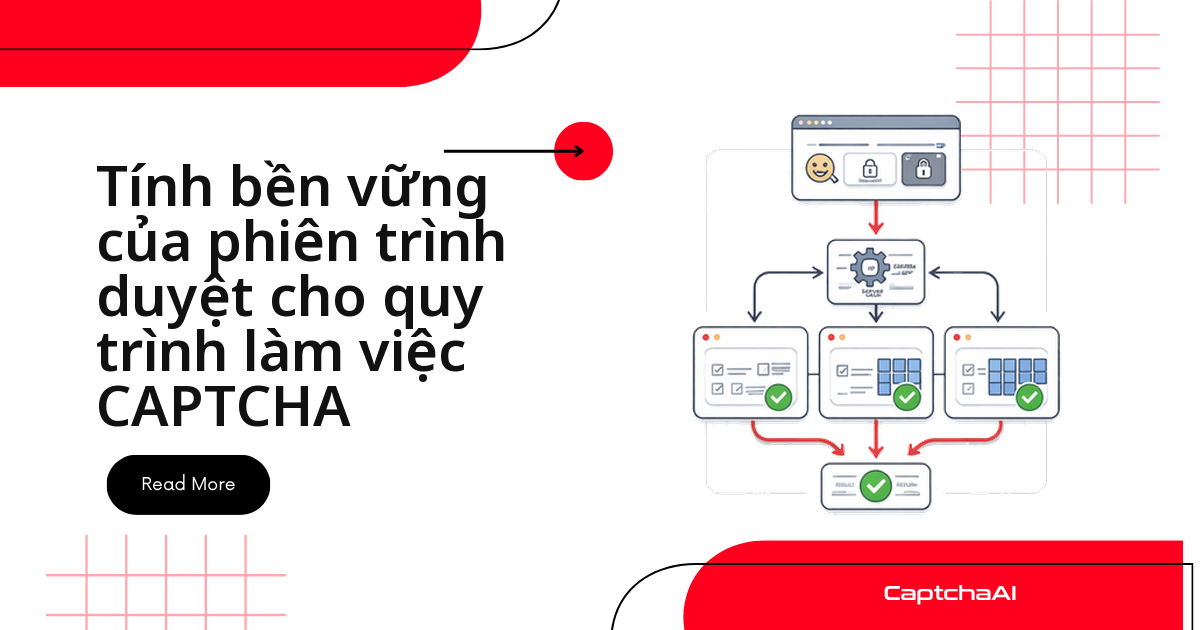
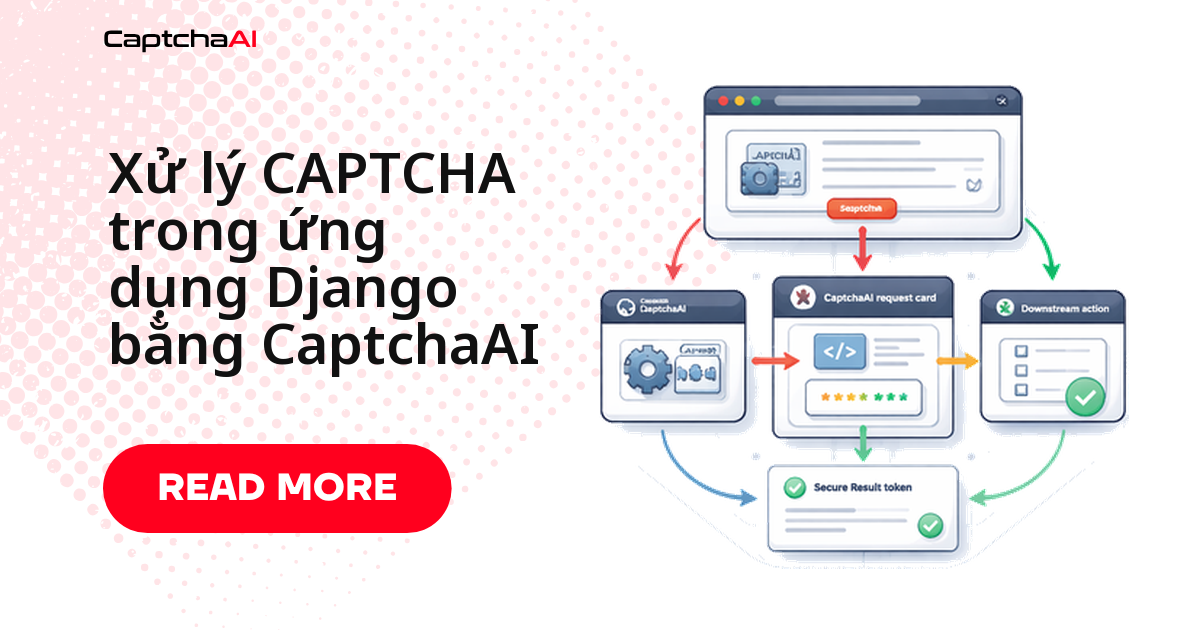
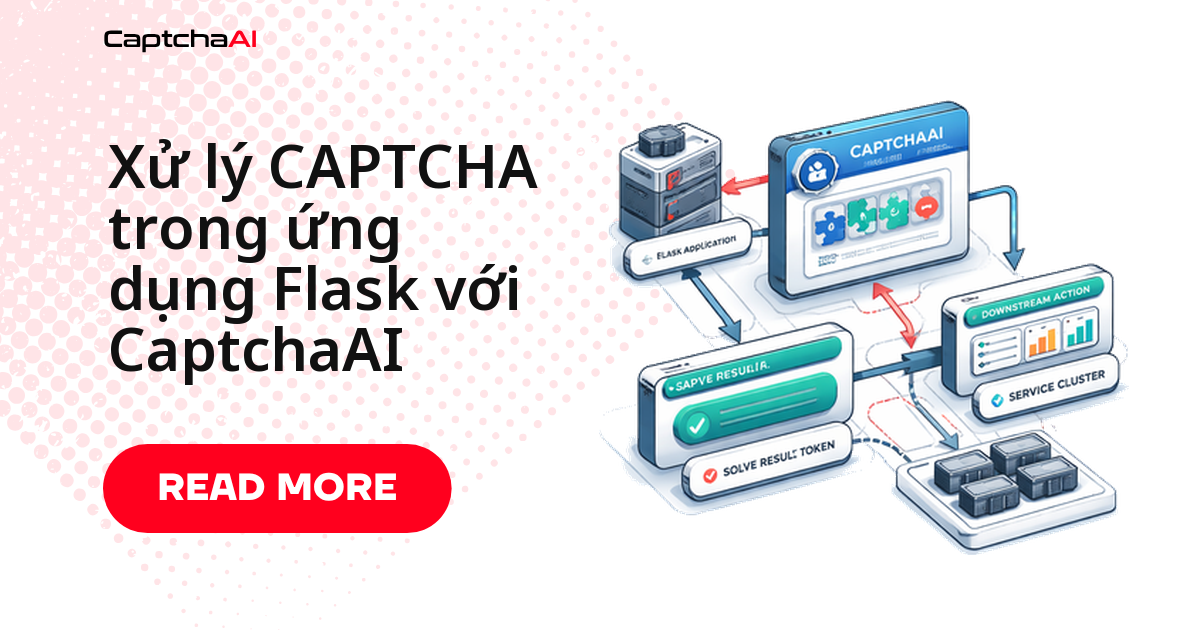
Luồng xử lý gồm bốn bước lặp lại trong mọi ví dụ ở bài này:
- Bot phát hiện trang cần CAPTCHA và gửi task tới CaptchaAI (
in.php) - CaptchaAI trả về một
task_id - Bot polling
res.phpcho đến khi có token - Bot gắn token vào form/request rồi gửi tiếp như bình thường
Toàn bộ ví dụ dùng domain demo (
example.com,portal.example.com) — khi áp dụng vào hệ thống thật, chỉ chạy trên các luồng bạn có quyền tự động hóa (form của chính bạn, hệ thống nội bộ, hoặc môi trường QA/staging).
CAPTCHA xuất hiện ở đâu trong bot tự động hóa
Bốn nhóm tác vụ dưới đây là nơi bot automation gặp CAPTCHA thường xuyên nhất, cùng phương thức CaptchaAI tương ứng:
| Tác vụ của bot | CAPTCHA điển hình | Phương pháp CaptchaAI |
|---|---|---|
| Gửi biểu mẫu (liên hệ, đăng ký nhận tin) | reCAPTCHA v2 | method=userrecaptcha |
| Tạo tài khoản hàng loạt cho test | reCAPTCHA v2/v3 | method=userrecaptcha |
| Nhập liệu vào cổng nội bộ | CAPTCHA hình ảnh | method=base64 |
| Đặt lịch/đặt chỗ tự động | Cloudflare Turnstile | method=turnstile |
| Gọi API qua cổng có bảo vệ | Cloudflare Challenge | method=cloudflare_challenge |
Mỗi hàng ứng với một method khác nhau trong cùng một API — bot chỉ cần nhận diện loại CAPTCHA trên trang rồi gọi đúng phương thức, không phải viết logic riêng cho từng trang.
Framework bot tái sử dụng cho nhiều loại CAPTCHA
Thay vì viết lại logic giải CAPTCHA trong mỗi bot, gói nó vào một class dùng chung. Class CaptchaBot dưới đây làm ba việc:
- Gửi task tới
in.phpvớimethodtương ứng loại CAPTCHA - Polling
res.phpmỗi 5 giây cho đến khi có token (hoặc timeout sau 5 phút) - Gắn token vào
form_datavà tự submit form quarequests.Session
import requests
import time
import logging

logger = logging.getLogger(__name__)

class CaptchaBot:
    def __init__(self, api_key):
        self.api_key = api_key
        self.session = requests.Session()
        self.session.headers.update({
            "User-Agent": "Mozilla/5.0 (Windows NT 10.0; Win64; x64) AppleWebKit/537.36"
        })

    def solve(self, method, **params):
        """Solve any CAPTCHA type."""
        params["key"] = self.api_key
        params["method"] = method

        resp = requests.get("https://ocr.captchaai.com/in.php", params=params)
        if not resp.text.startswith("OK|"):
            raise Exception(f"Submit error: {resp.text}")

        task_id = resp.text.split("|")[1]
        logger.info(f"Task submitted: {task_id}")

        for _ in range(60):
            time.sleep(5)
            result = requests.get("https://ocr.captchaai.com/res.php", params={
                "key": self.api_key, "action": "get", "id": task_id
            })
            if result.text == "CAPCHA_NOT_READY": continue
            if result.text.startswith("OK|"): return result.text.split("|")[1]
            raise Exception(f"Error: {result.text}")

        raise TimeoutError("CAPTCHA solve timed out")

    def submit_form(self, url, form_data, captcha_field="g-recaptcha-response",
                    site_key=None, captcha_method="userrecaptcha"):
        """Submit a form with CAPTCHA solving."""
        if site_key:
            if captcha_method == "userrecaptcha":
                token = self.solve(captcha_method, googlekey=site_key, pageurl=url)
            elif captcha_method == "turnstile":
                token = self.solve(captcha_method, sitekey=site_key, pageurl=url)
            form_data[captcha_field] = token

        return self.session.post(url, data=form_data)
Ví dụ 1: bot gửi biểu mẫu liên hệ
Trường hợp đơn giản nhất — một form liên hệ được bảo vệ bằng reCAPTCHA. submit_form() tự lấy token rồi POST form trong một lệnh gọi:
bot = CaptchaBot("YOUR_API_KEY")

# Submit a contact form protected by reCAPTCHA
result = bot.submit_form(
    url="https://example.com/contact",
    form_data={
        "name": "John Doe",
        "email": "[email protected]",
        "message": "Inquiry about your service"
    },
    site_key="6Le-wvkS...",
    captcha_method="userrecaptcha"
)

print(f"Form submitted: {result.status_code}")
Ví dụ 2: bot đặt lịch nhiều bước
Luồng đặt lịch/booking thường có nhiều bước tuần tự, và CAPTCHA chỉ xuất hiện ở bước xác nhận cuối — không phải ngay từ đầu. Bot cần đi qua từng bước theo đúng thứ tự rồi mới gọi submit_form() ở bước cuối:
def appointment_booking_bot(date, time_slot, user_info):
    bot = CaptchaBot("YOUR_API_KEY")

    # Step 1: Load booking page
    page = bot.session.get("https://example.com/book")

    # Step 2: Select date and time
    resp = bot.session.post("https://example.com/book/select", data={
        "date": date,
        "time": time_slot
    })

    # Step 3: Fill personal info with CAPTCHA
    result = bot.submit_form(
        url="https://example.com/book/confirm",
        form_data={
            "name": user_info["name"],
            "email": user_info["email"],
            "phone": user_info["phone"],
            "date": date,
            "time": time_slot
        },
        site_key="6Le-wvkS...",
        captcha_method="userrecaptcha"
    )

    return result.status_code == 200

# Run
success = appointment_booking_bot(
    date="2025-02-15",
    time_slot="10:00",
    user_info={"name": "John Doe", "email": "[email protected]", "phone": "555-0100"}
)
Ví dụ 3: bot nhập dữ liệu với CAPTCHA hình ảnh
Cổng nội bộ (portal nhập liệu, hệ thống quản lý cũ) thường dùng CAPTCHA hình ảnh đơn giản thay vì reCAPTCHA. Bot tải ảnh về, mã hóa base64 rồi gửi trực tiếp cho CaptchaAI giải bằng method="base64" — không cần sitekey hay pageurl:
import base64

def data_entry_bot(entries, captcha_image_url):
    bot = CaptchaBot("YOUR_API_KEY")

    for entry in entries:
        # Load the form page
        page = bot.session.get("https://portal.example.com/entry")

        # Download and solve image CAPTCHA
        img = bot.session.get(captcha_image_url)
        img_b64 = base64.b64encode(img.content).decode()
        captcha_text = bot.solve("base64", body=img_b64)

        # Submit entry
        resp = bot.session.post("https://portal.example.com/entry", data={
            **entry,
            "captcha": captcha_text
        })

        logger.info(f"Entry submitted: {resp.status_code}")
        time.sleep(random.uniform(2, 5))
Framework bot bằng Node.js
Cùng logic gửi task/polling/dùng token như bản Python, viết lại cho stack Node.js — hữu ích khi bot chạy chung service với một backend Express/NestJS sẵn có:
const axios = require("axios");

class CaptchaBot {
  constructor(apiKey) {
    this.apiKey = apiKey;
  }

  async solve(method, params) {
    params.key = this.apiKey;
    params.method = method;

    const submit = await axios.get("https://ocr.captchaai.com/in.php", {
      params,
    });
    const taskId = submit.data.split("|")[1];

    while (true) {
      await new Promise((r) => setTimeout(r, 5000));
      const result = await axios.get("https://ocr.captchaai.com/res.php", {
        params: { key: this.apiKey, action: "get", id: taskId },
      });
      if (result.data === "CAPCHA_NOT_READY") continue;
      if (result.data.startsWith("OK|")) return result.data.split("|")[1];
      throw new Error(result.data);
    }
  }

  async submitForm(url, formData, siteKey, method = "userrecaptcha") {
    const token = await this.solve(method, {
      googlekey: siteKey,
      pageurl: url,
    });
    formData["g-recaptcha-response"] = token;

    return axios.post(url, new URLSearchParams(formData));
  }
}

// Usage
const bot = new CaptchaBot("YOUR_API_KEY");
const result = await bot.submitForm(
  "https://example.com/submit",
  { name: "John", email: "[email protected]" },
  "6Le-wvkS..."
);
Các lỗi thường gặp khi bot chạy thật
Framework ở trên chạy tốt trong demo, nhưng khi đưa vào production, bốn tình huống dưới đây là nguyên nhân phổ biến nhất khiến bot vẫn thất bại dù đã tích hợp CaptchaAI:
| Vấn đề | Cách xử lý |
|---|---|
| Token CAPTCHA bị từ chối khi submit | Dùng token trong vòng 120 giây kể từ khi giải xong — token hết hạn nếu bot xử lý thêm bước trung gian quá lâu trước khi gửi form |
| Bot vẫn bị chặn dù token hợp lệ | Kiểm tra lại các yếu tố khác của request: header trình duyệt đầy đủ (User-Agent, Accept-Language), cookie phiên hợp lệ, giãn thời gian giữa các bước thay vì gửi tức thời |
| Form yêu cầu thêm field ẩn ngoài CAPTCHA | Kiểm tra HTML gốc của form để tìm field ẩn (thường là CSRF token) và gửi kèm cùng form_data |
| Bị giới hạn tần suất khi gửi nhiều request liên tiếp | Giãn đều thời gian giữa các lần gửi và giới hạn số bot chạy song song phù hợp với quy mô hệ thống đích, thay vì dồn dập cùng lúc |
Câu hỏi thường gặp
CaptchaAI hỗ trợ những loại CAPTCHA nào cho bot tự động hóa?
CaptchaAI giải được reCAPTCHA v2/v3 (kể cả Enterprise), Cloudflare Turnstile, Cloudflare Challenge, GeeTest v3, CAPTCHA hình ảnh và BLS. CaptchaFox, Friendly Captcha và Lemin đang ở giai đoạn beta. CaptchaAI hiện không hỗ trợ hCaptcha và FunCaptcha (Arkose Labs).
Chạy hàng chục bot song song thì cần gói CaptchaAI nào?
Tùy số bot chạy đồng thời, không phải số CAPTCHA giải mỗi tháng — CaptchaAI tính phí theo thread, mỗi thread giải không giới hạn số CAPTCHA trong tháng. Đội chạy khoảng 10–15 bot song song thường vừa với STANDARD ($30/tháng, 15 thread); quy mô lớn hơn hợp với ADVANCE ($90/tháng, 50 thread) trở lên.
Nên dùng polling hay webhook cho bot chạy nền dài hạn?
Với bot chạy theo lịch (cron mỗi vài phút) như các ví dụ trong bài này, polling res.php đơn giản và đủ nhanh. Webhook hợp lý hơn khi có một service chạy liên tục, cần nhận token ngay khi có thay vì chờ vòng polling tiếp theo.
Bot gọi API CaptchaAI thất bại tạm thời (timeout, lỗi mạng) thì nên retry thế nào?
CAPCHA_NOT_READY không phải lỗi — đó là tín hiệu "chưa xong" trong vòng polling bình thường. Với lỗi thật sự (mất kết nối, HTTP 5xx), retry có giới hạn với backoff tăng dần (ví dụ 3 lần, giãn cách 5–10–20 giây) rồi mới coi là thất bại hẳn.
Token CaptchaAI giải một lần có dùng lại cho request khác được không?
Không. Token gắn với đúng pageurl/sitekey (hoặc url với Turnstile) tại thời điểm giải; trang đích thường từ chối token dùng lại. Bot chạy trên nhiều domain trong cùng một CaptchaBot vẫn cần gọi solve() riêng cho mỗi request.