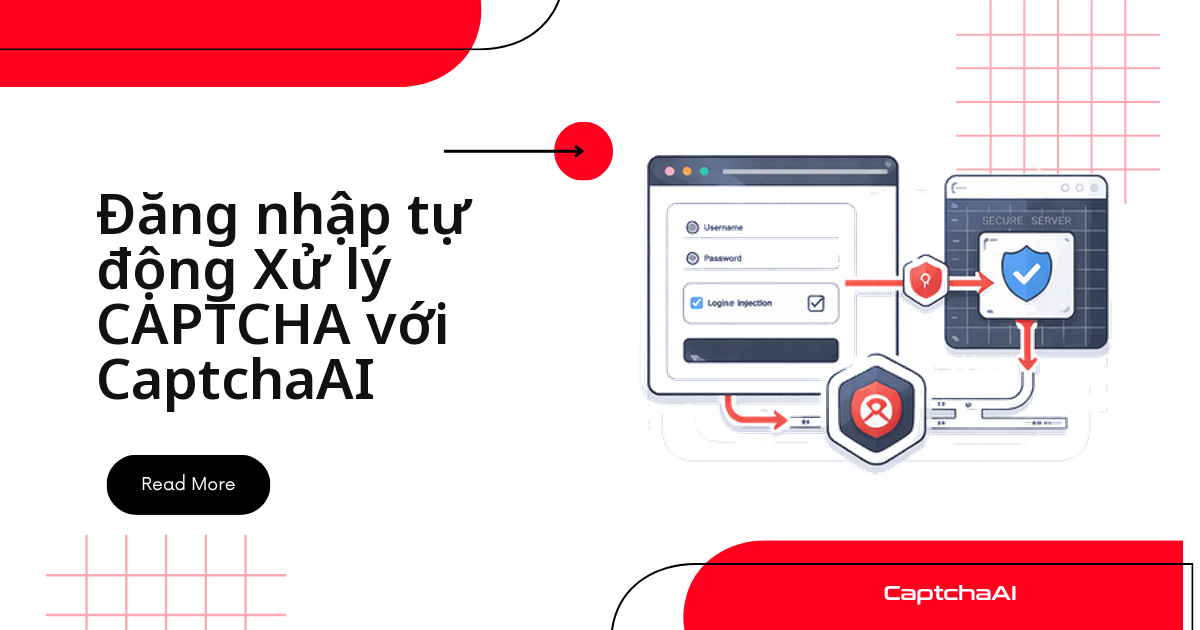
Script đăng nhập tự động chạy êm cho đến khi gặp reCAPTCHA, Turnstile hoặc CAPTCHA hình ảnh chặn trước nút đăng nhập — cả luồng dừng lại giữa chừng. CaptchaAI giải phần CAPTCHA đó qua API: gửi sitekey và URL trang, nhận token sau vài giây, rồi script tự điền và gửi form như bình thường.
Bài này không chỉ liệt kê code mẫu — nó giúp bạn chọn đúng cách tích hợp cho từng dạng trang đăng nhập, rồi mới đi vào chi tiết từng cách. Các đội QA/automation ở công ty như FPT Software, VNG hay startup TP.HCM/Hà Nội thường gặp đúng bài toán này khi kiểm thử đăng nhập nội bộ trên hàng chục hệ thống khác nhau.
Ba cách tích hợp, chọn thế nào?
- Không có JavaScript render động? Dùng request HTTP thuần — nhẹ, nhanh, không cần trình duyệt.
- Trang render sitekey hoặc cả form bằng JavaScript, stack Python? Dùng Selenium.
- Cùng tình huống trên nhưng stack Node.js? Dùng Puppeteer.
- Có thêm bước OTP/MFA sau khi đăng nhập? Xử lý CAPTCHA trước, MFA là bước riêng ngay sau đó — xem phần cuối bài.
Các loại CAPTCHA thường gặp ở trang đăng nhập
- reCAPTCHA v2 — checkbox hoặc thử thách hiện ra trước khi gửi form, gọi CaptchaAI với
method=userrecaptcha. - reCAPTCHA v3 — chấm điểm ẩn, chặn người dùng có điểm thấp, gọi bằng
method=userrecaptcha&version=v3. - Cloudflare Turnstile — widget hiện trước form đăng nhập, gọi bằng
method=turnstile. - CAPTCHA hình ảnh — ảnh chứa chữ cần gõ lại, gọi bằng
method=base64.
Cách 1: Gửi request HTTP thuần (không cần trình duyệt)
Khi nào dùng
Phù hợp nhất khi form đăng nhập chấp nhận POST tiêu chuẩn và không cần trình duyệt render JavaScript — đây là cách nhẹ và nhanh nhất trong ba cách.
Luồng xử lý: lấy sitekey từ trang, gửi cho CaptchaAI qua in.php, polling res.php tới khi có token, rồi gắn token vào request đăng nhập:
import requests
import time

API_KEY = "YOUR_API_KEY"

def solve_recaptcha(site_key, page_url):
    resp = requests.get("https://ocr.captchaai.com/in.php", params={
        "key": API_KEY, "method": "userrecaptcha",
        "googlekey": site_key, "pageurl": page_url
    })
    task_id = resp.text.split("|")[1]
    for _ in range(60):
        time.sleep(5)
        result = requests.get("https://ocr.captchaai.com/res.php", params={
            "key": API_KEY, "action": "get", "id": task_id
        })
        if result.text == "CAPCHA_NOT_READY": continue
        if result.text.startswith("OK|"): return result.text.split("|")[1]
        raise Exception(result.text)
    raise TimeoutError()

# Login flow
session = requests.Session()
login_url = "https://staging.example.com/qa-login"

# Load login page to get cookies and site key
page = session.get(login_url)
# Extract site_key from the page HTML...
site_key = "6Le-wvkS..."

# Solve CAPTCHA
token = solve_recaptcha(site_key, login_url)

# Submit login form
resp = session.post(login_url, data={
    "username": "[email protected]",
    "password": "your_password",
    "g-recaptcha-response": token
})

if resp.url != login_url:
    print("Login successful!")
    # session now has auth cookies for subsequent requests
Cách 2: Selenium (Python) khi trang cần JavaScript
Khi nào dùng
Một số trang render sitekey hoặc cả form bằng JavaScript, buộc phải dùng trình duyệt thật thay vì request thuần.
Selenium mở trang, điền thông tin đăng nhập, lấy sitekey từ DOM, gọi lại solve_recaptcha() rồi tiêm token vào ô ẩn g-recaptcha-response trước khi submit:
from selenium import webdriver
from selenium.webdriver.common.by import By
from selenium.webdriver.support.ui import WebDriverWait
from selenium.webdriver.support import expected_conditions as EC
import requests
import time

API_KEY = "YOUR_API_KEY"

options = webdriver.ChromeOptions()
options.add_argument("")
driver = webdriver.Chrome(options=options)

# Navigate to login page
driver.get("https://staging.example.com/qa-login")
wait = WebDriverWait(driver, 10)

# Fill in credentials
username_field = wait.until(EC.presence_of_element_located((By.NAME, "username")))
username_field.send_keys("[email protected]")
driver.find_element(By.NAME, "password").send_keys("your_password")

# Extract site key and solve
recaptcha = driver.find_element(By.CLASS_NAME, "g-recaptcha")
site_key = recaptcha.get_attribute("data-sitekey")

token = solve_recaptcha(site_key, driver.current_url)

# Inject token
driver.execute_script(
    f"document.getElementById('g-recaptcha-response').innerHTML = '{token}';"
)

# Submit
driver.find_element(By.CSS_SELECTOR, 'button[type="submit"]').click()
wait.until(EC.url_changes(driver.current_url))
print(f"Logged in! Now at: {driver.current_url}")
Cách 3: Puppeteer (Node.js)
Khi nào dùng
Cùng tình huống cần trình duyệt như Cách 2, nhưng cho stack Node.js thay vì Python.
Puppeteer mở trang, điền #username/#password, lấy data-sitekey rồi gọi CaptchaAI qua axios. Hàm solveRecaptcha() gửi task tới in.php và polling res.php mỗi 5 giây:
const puppeteer = require("puppeteer");
const axios = require("axios");

const API_KEY = "YOUR_API_KEY";

async function solveRecaptcha(siteKey, pageUrl) {
  const submit = await axios.get("https://ocr.captchaai.com/in.php", {
    params: {
      key: API_KEY,
      method: "userrecaptcha",
      googlekey: siteKey,
      pageurl: pageUrl,
    },
  });
  const taskId = submit.data.split("|")[1];

  while (true) {
    await new Promise((r) => setTimeout(r, 5000));
    const result = await axios.get("https://ocr.captchaai.com/res.php", {
      params: { key: API_KEY, action: "get", id: taskId },
    });
    if (result.data === "CAPCHA_NOT_READY") continue;
    if (result.data.startsWith("OK|")) return result.data.split("|")[1];
    throw new Error(result.data);
  }
}

(async () => {
  const browser = await puppeteer.launch({ headless: "new" });
  const page = await browser.newPage();
  await page.goto("https://staging.example.com/qa-login");

  // Fill credentials
  await page.type("#username", "[email protected]");
  await page.type("#password", "your_password");

  // Get site key and solve
  const siteKey = await page.$eval(".g-recaptcha", (el) =>
    el.getAttribute("data-sitekey")
  );
  const token = await solveRecaptcha(siteKey, page.url());

  // Inject and submit
  await page.evaluate(
    (t) => (document.getElementById("g-recaptcha-response").innerHTML = t),
    token
  );
  await page.click('button[type="submit"]');
  await page.waitForNavigation();

  console.log("Logged in:", page.url());
  await browser.close();
})();
Xử lý CAPTCHA kèm xác thực đa yếu tố (MFA)
Giải CAPTCHA chỉ là bước một trong luồng đăng nhập. Nhiều hệ thống doanh nghiệp và cổng dịch vụ công yêu cầu thêm mã OTP/MFA ngay sau đó.
Kiểm tra response sau khi submit có redirect sang trang xác thực MFA hay không rồi xử lý tiếp:
# Step 1: Solve CAPTCHA and submit login
token = solve_recaptcha(site_key, login_url)
resp = session.post(login_url, data={
    "username": "[email protected]",
    "password": "your_password",
    "g-recaptcha-response": token
})

# Step 2: Handle MFA page (if redirected)
if "verify" in resp.url or "mfa" in resp.url:
    # Your MFA code logic here
    mfa_code = get_mfa_code()
    resp = session.post(resp.url, data={"code": mfa_code})

# Step 3: Verify logged in
assert "dashboard" in resp.url
Các lỗi thường gặp và cách khắc phục
- Đăng nhập quay lại trang CAPTCHA — nguyên nhân thường là token đã hết hạn; giải và gửi token trong vòng 60 giây.
- "Sai thông tin đăng nhập" dù mật khẩu đúng — kiểm tra CSRF token; nhiều form yêu cầu trích xuất và gửi kèm CSRF token lấy từ trang đăng nhập.
- Mất session ngay sau khi đăng nhập — cookie không được lưu; dùng
requests.Session()hoặc giữ nguyên cookie của trình duyệt. - reCAPTCHA v3 vẫn chặn dù đã có token — điểm số quá thấp; CaptchaAI tối ưu để trả điểm cao, nhưng vẫn nên kiểm tra lại tham số
action.
Câu hỏi thường gặp
CaptchaAI có tự động đăng nhập thay tôi không?
Không. CaptchaAI chỉ giải phần CAPTCHA — điền form, quản lý cookie và giữ phiên vẫn do script của bạn xử lý. Chỉ tự động hóa đăng nhập vào tài khoản bạn có quyền truy cập hợp pháp.
Turnstile báo token hết hạn dù tôi vừa giải xong — vì sao?
Vì token Turnstile (và reCAPTCHA) chỉ có hiệu lực trong khoảng 60 giây sau khi CaptchaAI trả kết quả. Nếu script mất thời gian xử lý MFA hay logic khác trước khi submit, hãy gọi lại solve_recaptcha() ngay trước bước gửi form thay vì tái sử dụng token cũ.
Giải CAPTCHA đăng nhập cho hàng trăm tài khoản QA song song thì tính phí thế nào?
CaptchaAI tính theo số thread đang giải đồng thời, không theo số lần giải. BASIC ($15/tháng, 5 thread) đủ cho vài luồng test; chạy hàng trăm phiên song song thì cần ADVANCE ($90/tháng, 50 thread) hoặc CORPORATE ($240/tháng, 150 thread).
Phiên đăng nhập bị mất ngay sau khi submit form, khắc phục ra sao?
Gần như luôn do cookie không được giữ giữa các request. Dùng requests.Session() (như ví dụ Cách 1) hoặc giữ nguyên instance trình duyệt Selenium/Puppeteer thay vì mở tab mới mỗi lần.
Hướng dẫn liên quan
- Xử lý CAPTCHA bằng Selenium và Python
- Giải CAPTCHA bằng Puppeteer trong Node.js
- Xử lý CAPTCHA với Playwright