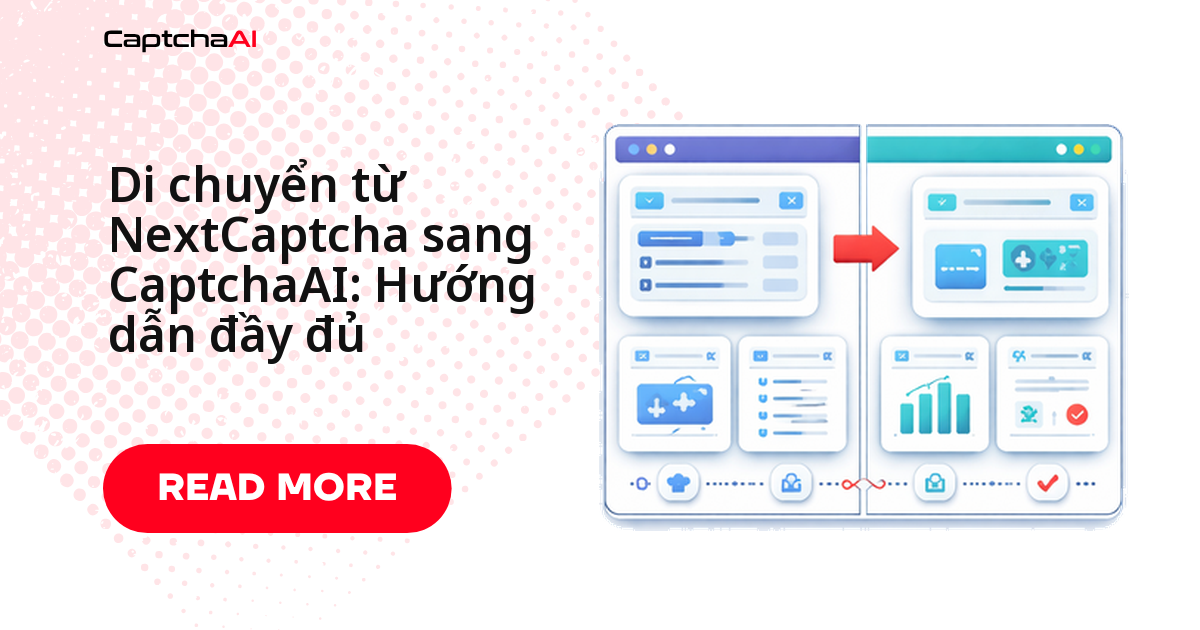
Điểm khác biệt lớn nhất giữa hai API nằm ở định dạng request: NextCaptcha dùng JSON POST tới /createTask và /getTaskResult, còn CaptchaAI dùng form POST tới in.php và GET tới res.php — định dạng được phần lớn solver trên thị trường áp dụng. Nhiều đội automation và QA tại Việt Nam, kể cả các nhóm outsourcing chạy scraping và kiểm thử số lượng lớn, chuyển sang CaptchaAI vì mô hình tính phí theo thread thay vì theo từng lần giải.
Trong bài này bạn sẽ có:
- Bảng ánh xạ endpoint, tham số và loại task giữa hai API.
- Code Python và JavaScript trước/sau, copy dùng được ngay.
- Checklist di chuyển và cách xử lý các lỗi thường gặp.
So sánh endpoint: NextCaptcha và CaptchaAI
| Hành động | NextCaptcha | CaptchaAI |
|---|---|---|
| Gửi task | POST /createTask |
POST https://ocr.captchaai.com/in.php |
| Nhận kết quả | POST /getTaskResult |
GET https://ocr.captchaai.com/res.php |
| Kiểm tra số dư | POST /getBalance |
GET res.php?action=getbalance&key=KEY |
Checklist di chuyển nhanh
- Tạo tài khoản CaptchaAI và nạp tiền.
- Ánh xạ toàn bộ loại
createTasksang method của CaptchaAI. - Thay
clientKeybằng API key của CaptchaAI. - Đổi request gửi task từ JSON body sang form POST.
- Đổi polling từ POST sang GET với query params.
- Cập nhật cách parse phản hồi (định dạng status/request).
- Chạy test so sánh song song hai API trên một phần traffic.
- Chuyển traffic production sang CaptchaAI.
Ánh xạ loại task
| Loại NextCaptcha | Method + tham số CaptchaAI |
|---|---|
RecaptchaV2TaskProxyless |
method=userrecaptcha |
RecaptchaV2Task |
method=userrecaptcha + proxy, proxytype |
HCaptchaTaskProxyless |
method=hcaptcha |
HCaptchaTask |
method=hcaptcha + proxy, proxytype |
ImageToTextTask |
method=base64 + body |
TurnstileTaskProxyless |
method=turnstile |
Ánh xạ tham số
| Trường NextCaptcha | Trường CaptchaAI | Ghi chú |
|---|---|---|
clientKey |
key |
API key |
task.type |
method |
Xem bảng ánh xạ loại task phía trên |
task.websiteURL |
pageurl |
URL trang đích |
task.websiteKey |
googlekey hoặc sitekey |
Site key cho CAPTCHA dạng token |
task.recaptchaDataSValue |
data-s |
Tham số data-s của reCAPTCHA |
task.isInvisible |
invisible=1 |
Cờ đánh dấu reCAPTCHA invisible |
task.pageAction |
action |
Action của reCAPTCHA v3 |
taskId |
id |
ID task/captcha dùng để polling |
Khác biệt trong cấu trúc request
Request của NextCaptcha (JSON body)
{
  "clientKey": "next_captcha_key",
  "task": {
    "type": "RecaptchaV2TaskProxyless",
    "websiteURL": "https://example.com",
    "websiteKey": "6Le-wvkSAAAAAPBMRTvw0Q4Muexq9bi0DJwx_mJ-"
  }
}
Request của CaptchaAI (form parameters)
POST https://ocr.captchaai.com/in.php
key=YOUR_API_KEY&method=userrecaptcha&googlekey=6Le-wvkSAAAAAPBMRTvw0Q4Muexq9bi0DJwx_mJ-&pageurl=https://example.com&json=1
Chuyển đổi code: Python và JavaScript
Python — trước khi chuyển (NextCaptcha)
import requests
import time

CLIENT_KEY = "your_nextcaptcha_key"
BASE_URL = "https://api.nextcaptcha.com"

def solve_recaptcha_v2(sitekey, pageurl):
    # Submit
    resp = requests.post(f"{BASE_URL}/createTask", json={
        "clientKey": CLIENT_KEY,
        "task": {
            "type": "RecaptchaV2TaskProxyless",
            "websiteURL": pageurl,
            "websiteKey": sitekey
        }
    })
    data = resp.json()
    if data.get("errorId") != 0:
        return {"error": data.get("errorDescription")}

    task_id = data["taskId"]

    # Poll
    for _ in range(60):
        time.sleep(5)
        result = requests.post(f"{BASE_URL}/getTaskResult", json={
            "clientKey": CLIENT_KEY,
            "taskId": task_id
        }).json()
        if result.get("status") == "ready":
            return {"solution": result["solution"]["gRecaptchaResponse"]}
        if result.get("errorId") != 0:
            return {"error": result.get("errorDescription")}

    return {"error": "TIMEOUT"}
Python — sau khi chuyển (CaptchaAI)
import os
import time
import requests

API_KEY = os.environ["CAPTCHAAI_API_KEY"]

def solve_recaptcha_v2(sitekey, pageurl):
    # Submit — different endpoint and format
    resp = requests.post("https://ocr.captchaai.com/in.php", data={
        "key": API_KEY,
        "method": "userrecaptcha",
        "googlekey": sitekey,
        "pageurl": pageurl,
        "json": 1
    })
    data = resp.json()
    if data.get("status") != 1:
        return {"error": data.get("request")}

    captcha_id = data["request"]

    # Poll — GET instead of POST, different response format
    for _ in range(60):
        time.sleep(5)
        result = requests.get("https://ocr.captchaai.com/res.php", params={
            "key": API_KEY,
            "action": "get",
            "id": captcha_id,
            "json": 1
        }).json()
        if result.get("status") == 1:
            return {"solution": result["request"]}
        if result.get("request") != "CAPCHA_NOT_READY":
            return {"error": result.get("request")}

    return {"error": "TIMEOUT"}
JavaScript — trước khi chuyển (NextCaptcha)
const axios = require("axios");
const CLIENT_KEY = "your_nextcaptcha_key";
const BASE_URL = "https://api.nextcaptcha.com";

async function solveRecaptchaV2(sitekey, pageurl) {
  const submit = await axios.post(`${BASE_URL}/createTask`, {
    clientKey: CLIENT_KEY,
    task: {
      type: "RecaptchaV2TaskProxyless",
      websiteURL: pageurl,
      websiteKey: sitekey,
    },
  });
  if (submit.data.errorId !== 0) return { error: submit.data.errorDescription };

  const taskId = submit.data.taskId;

  for (let i = 0; i < 60; i++) {
    await new Promise((r) => setTimeout(r, 5000));
    const poll = await axios.post(`${BASE_URL}/getTaskResult`, {
      clientKey: CLIENT_KEY,
      taskId,
    });
    if (poll.data.status === "ready") return { solution: poll.data.solution.gRecaptchaResponse };
    if (poll.data.errorId !== 0) return { error: poll.data.errorDescription };
  }
  return { error: "TIMEOUT" };
}
JavaScript — sau khi chuyển (CaptchaAI)
const axios = require("axios");
const API_KEY = process.env.CAPTCHAAI_API_KEY;

async function solveRecaptchaV2(sitekey, pageurl) {
  const submit = await axios.post("https://ocr.captchaai.com/in.php", null, {
    params: { key: API_KEY, method: "userrecaptcha", googlekey: sitekey, pageurl, json: 1 },
  });
  if (submit.data.status !== 1) return { error: submit.data.request };

  const captchaId = submit.data.request;

  for (let i = 0; i < 60; i++) {
    await new Promise((r) => setTimeout(r, 5000));
    const poll = await axios.get("https://ocr.captchaai.com/res.php", {
      params: { key: API_KEY, action: "get", id: captchaId, json: 1 },
    });
    if (poll.data.status === 1) return { solution: poll.data.request };
    if (poll.data.request !== "CAPCHA_NOT_READY") return { error: poll.data.request };
  }
  return { error: "TIMEOUT" };
}
Khác biệt định dạng phản hồi
| Giai đoạn | Trường | NextCaptcha | CaptchaAI |
|---|---|---|---|
| Gửi task | Kiểm tra thành công | errorId === 0 |
status === 1 |
| Gửi task | ID task | taskId (số nguyên) |
request (chuỗi) |
| Gửi task | Thông báo lỗi | errorDescription |
request (chuỗi mã lỗi) |
| Polling | Kiểm tra sẵn sàng | status === "ready" |
status === 1 |
| Polling | Chưa sẵn sàng | status === "processing" |
request === "CAPCHA_NOT_READY" |
| Polling | Kết quả | solution.gRecaptchaResponse |
request |
| Polling | Lỗi | errorDescription |
request (mã lỗi) |
Nếu hệ thống hiện tại của bạn dùng callback của NextCaptcha để nhận kết quả, CaptchaAI hỗ trợ tham số pingback tương đương: cung cấp URL, CaptchaAI sẽ tự POST kết quả về đó ngay khi giải xong — bạn không bắt buộc phải chuyển sang polling.
Xử lý lỗi thường gặp
ERROR_KEY_DOES_NOT_EXIST— do dùngclientKeycủa NextCaptcha. Thay bằng API key từ dashboard CaptchaAI.- Parse phản hồi bị lỗi — cấu trúc JSON khác nhau. Đọc trường
status(số nguyên) vàrequestthay vìerrorId/taskId. ERROR_WRONG_USER_KEY— API key sai định dạng. Kiểm tra lại định dạng key trong dashboard CaptchaAI.- Loại task không nhận diện được — đang dùng tên type của NextCaptcha. Ánh xạ sang giá trị
methodcủa CaptchaAI theo bảng phía trên.
Câu hỏi thường gặp
Di chuyển từ NextCaptcha sang CaptchaAI mất bao lâu?
Với một luồng reCAPTCHA v2/v3 hoặc Turnstile đơn giản, phần code thường chỉ mất vài giờ. Phần lớn thời gian nằm ở bước chạy test song song — khuyến nghị tối thiểu vài ngày — trước khi cắt hẳn traffic production.
Chi phí có thay đổi nhiều khi chuyển sang CaptchaAI không?
Có khả năng giảm và dễ dự đoán hơn, vì CaptchaAI tính phí theo thread chứ không theo từng lần giải — ví dụ gói BASIC ($15/tháng, 5 thread) cho phép giải không giới hạn trong số thread đó. So sánh với chi phí NextCaptcha hiện tại theo khối lượng thực tế của bạn trước khi quyết định.
CaptchaAI có bắt buộc gửi JSON như NextCaptcha không?
Không. CaptchaAI chấp nhận cả form-encoded (application/x-www-form-urlencoded) lẫn JSON ở endpoint in.php, và việc polling chỉ cần tham số GET đơn giản — bạn có thể giữ nguyên client HTTP đang dùng.
Task có proxy trong NextCaptcha thì xử lý thế nào sau khi chuyển?
Thêm proxy=user:pass@host:port và proxytype=HTTP vào cùng method CaptchaAI tương ứng. Không cần task type riêng như RecaptchaV2Task trong NextCaptcha — chỉ là tham số bổ sung trên method sẵn có.
Có cần dừng hệ thống production để chuyển đổi không?
Không cần. Cách an toàn nhất là chạy CaptchaAI song song với NextCaptcha trên một phần traffic, so sánh tỷ lệ giải thành công và thời gian phản hồi, rồi mới chuyển toàn bộ theo checklist ở trên.
Bước tiếp theo
Chuyển đổi tích hợp trong vài phút — tạo tài khoản CaptchaAI và bắt đầu với các đoạn code mẫu ở trên để có thời gian giải nhanh hơn.
Hướng dẫn liên quan: